JPG to Transparent PNG Converter
Turn any JPEG photo into a transparent PNG in 1 click
JPG files do not support transparency. Drop any `.jpg` or `.jpeg` image above to automatically remove its background and download a true 32-bit transparent `.png` with a clean alpha channel.
Before / After
or drop a file, paste an image or browse
Supports PNG, JPG, and WEBP up to 25MB
By uploading an image you agree to our Terms of Service & Privacy Policy.
Pre-Configured Output Specs
JPG to Transparent PNG Specifications
AI Background Removal Included
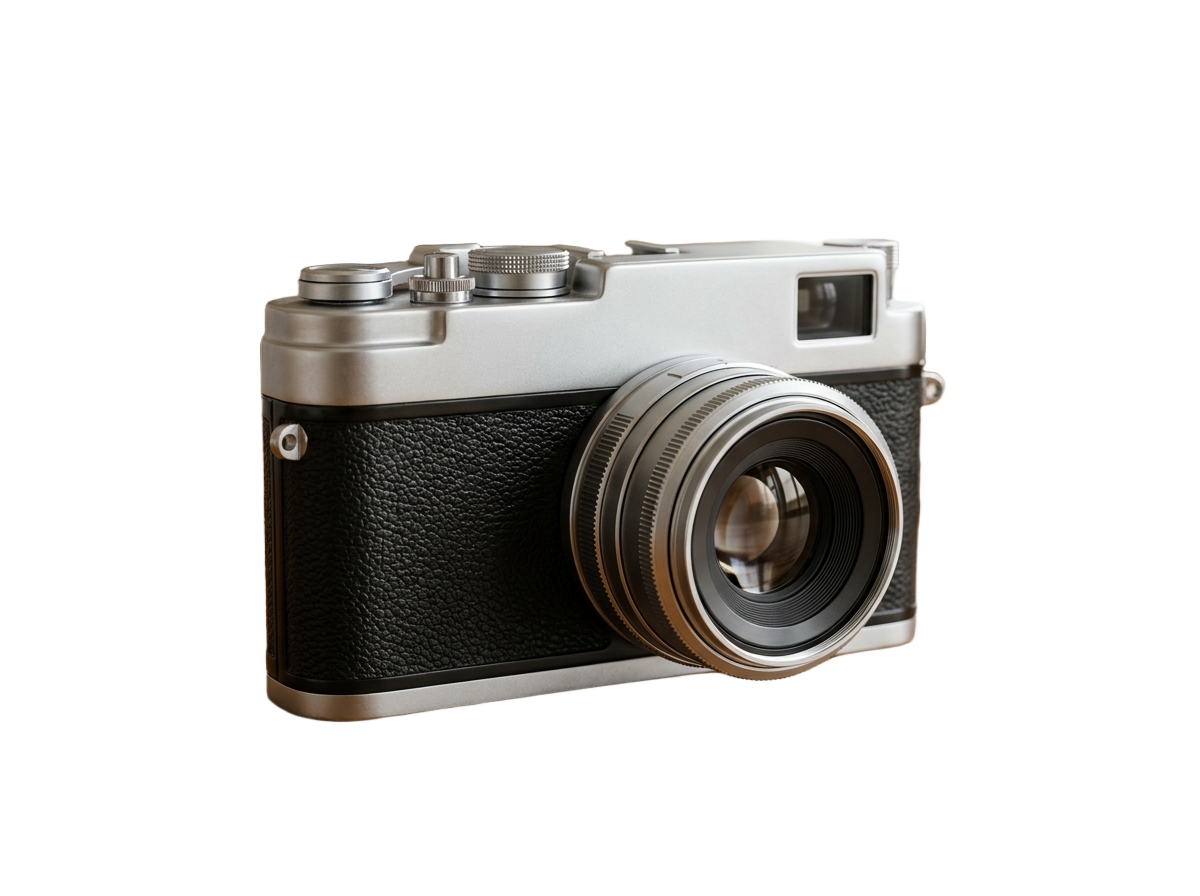
Simply converting JPG to PNG leaves a solid rectangle behind. DropBG removes the background and adds a true alpha channel.
Cleans JPEG Compression Artifacts
Removes fuzzy JPEG halo pixels around logos, products, and portraits so your PNG looks crisp on any surface.
Works for Photos, Products & Logos
Whether it is a white-box product JPEG or an outdoor portrait, get a clean transparent PNG in under 5 seconds.
How to Convert JPG to Transparent PNG
Three simple steps. No design skills needed.
Drop your .JPG or .JPEG file
Drag your JPEG image into the upload area above or paste it with Ctrl+V.
Background is removed automatically
Our AI isolates the foreground subject and builds a clean 32-bit alpha mask.
Download your transparent .PNG
Click Download HD Image to save a universal transparent PNG file.
Frequently Asked Questions
Sample Code
Purpose-Built Background Tools
Pre-configured studio presets for e-commerce marketplaces, tricky subjects, and direct format conversions.
E-Commerce & Social Platform Presets
Pre-configured background tools tailored to marketplace & creator compliance specs.








Subject-Specific AI Cutout Tools
Specialized edge-handling for vehicles, handwritten ink signatures, and vector-sharp logos.











Format Conversion & Transparency Matrix
Convert Apple HEIC and WebP assets directly into lossless 32-bit transparent PNGs.
JPG to Transparent PNG Converter
Preset: JPEG → 32-Bit Transparent PNG