Portrait Background Remover
Clean hair-strand cutouts & DSLR portrait blur in 1 click
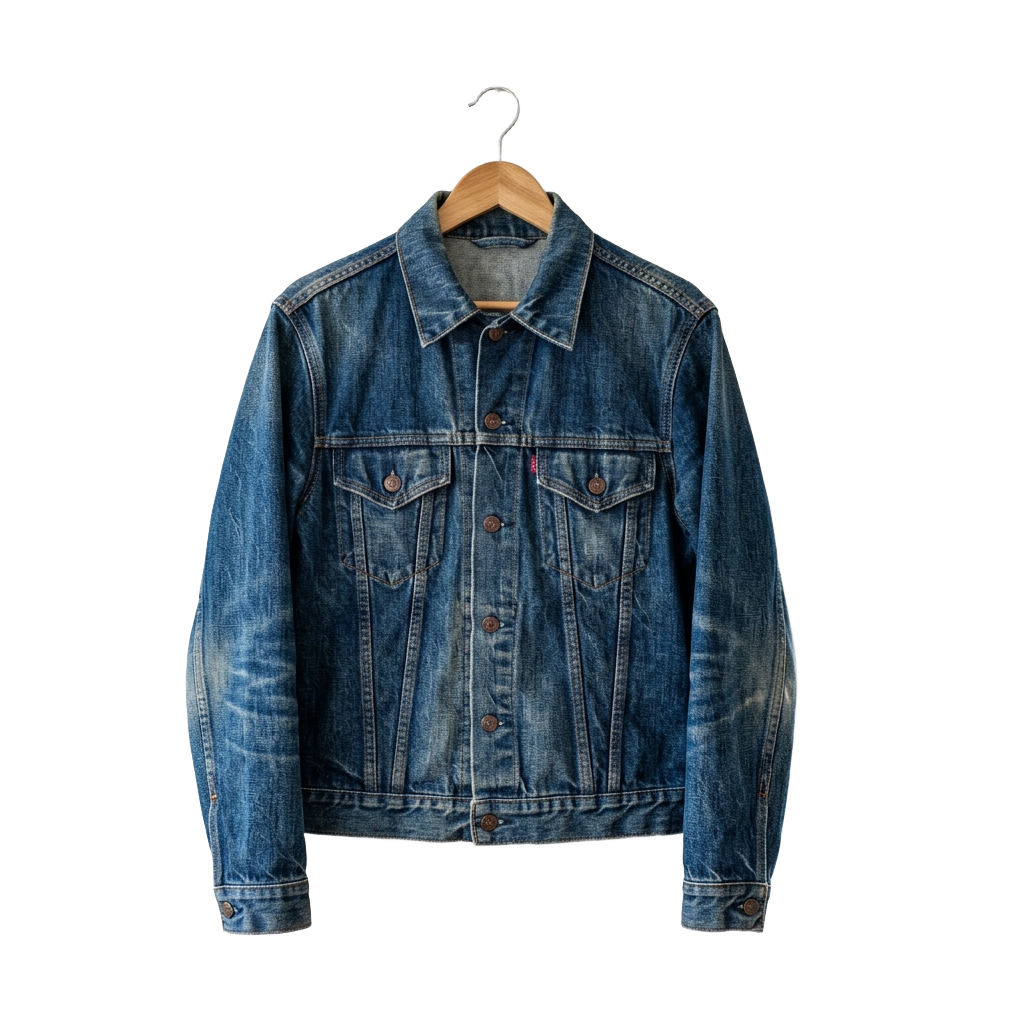
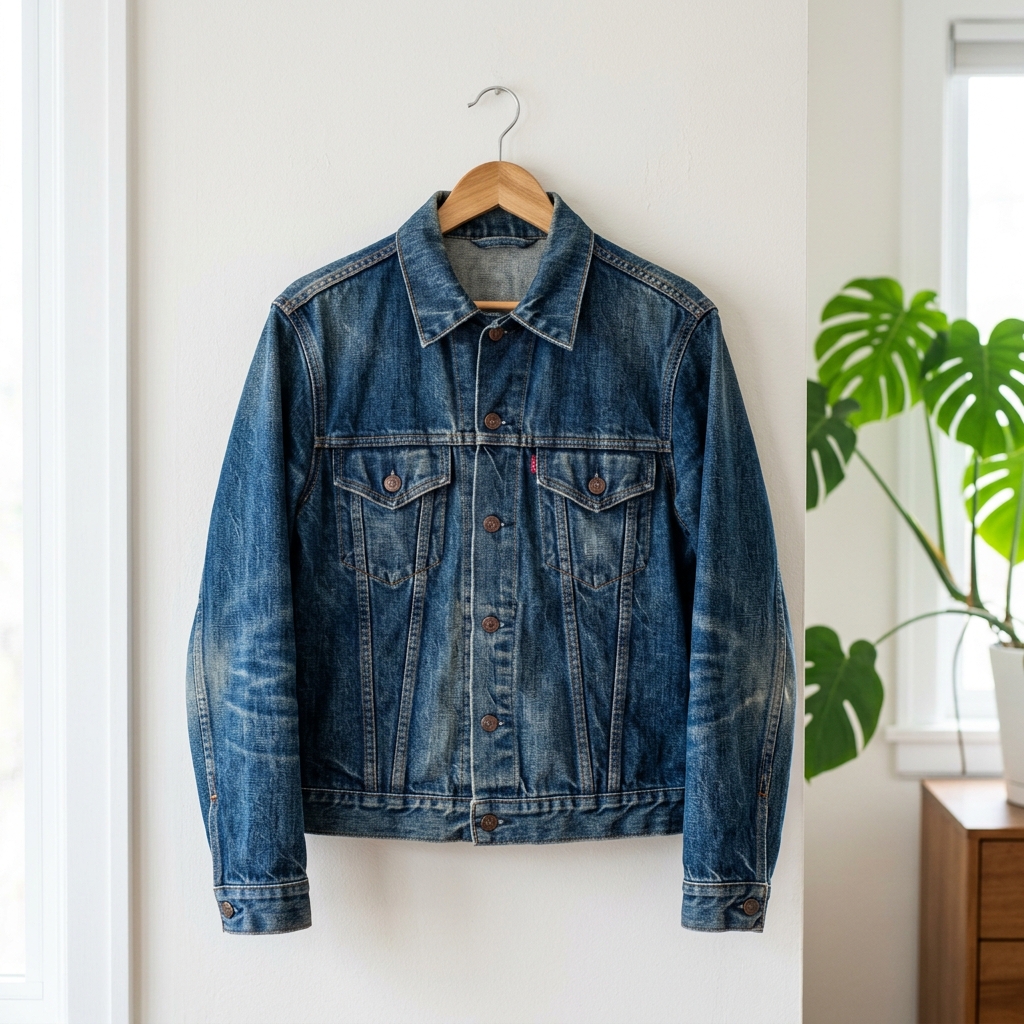
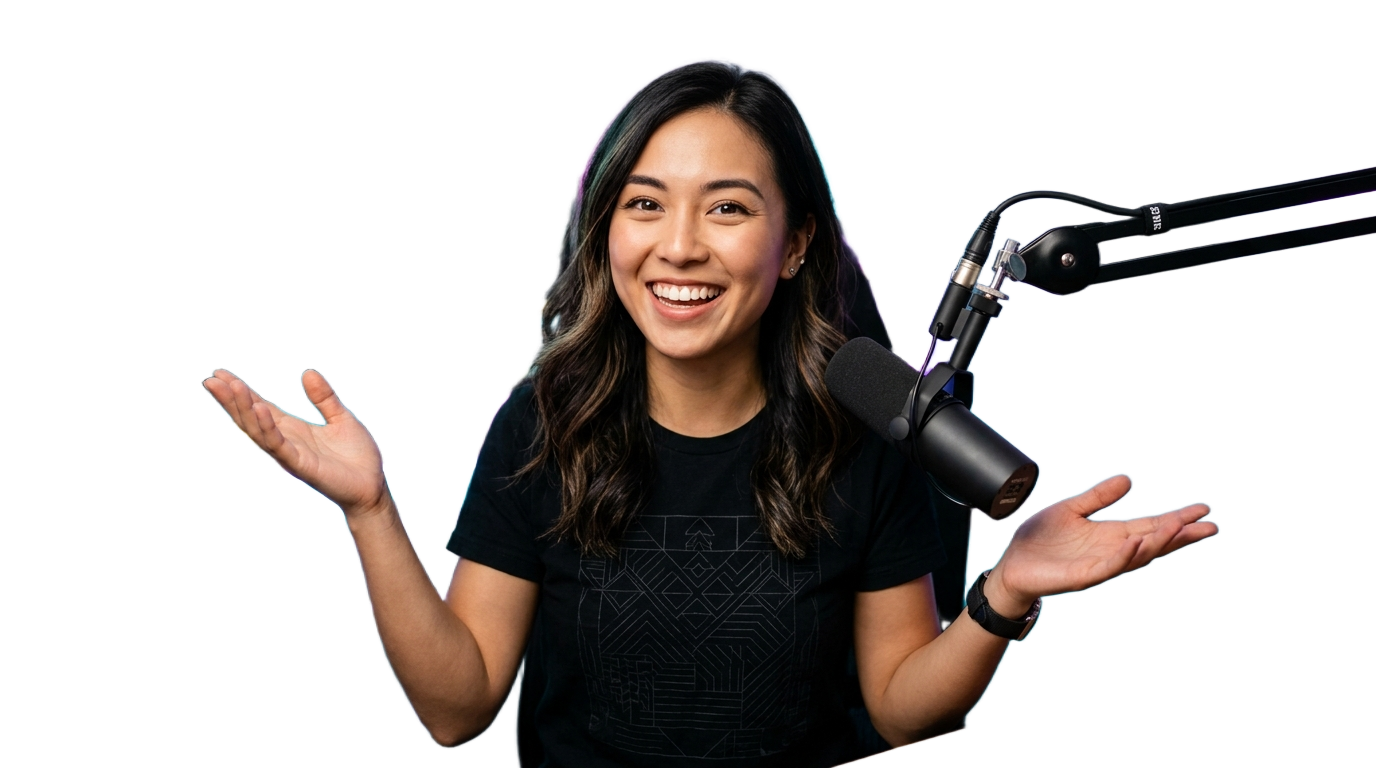
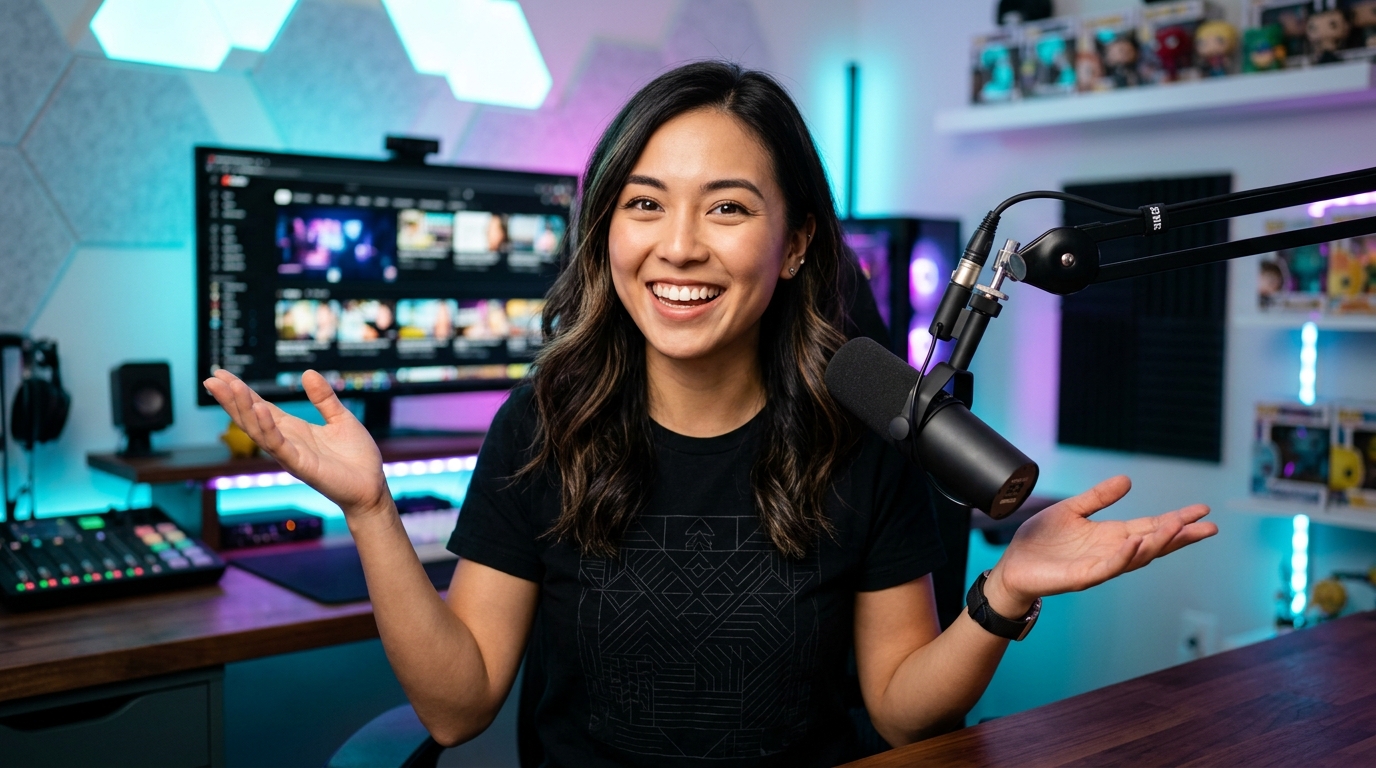
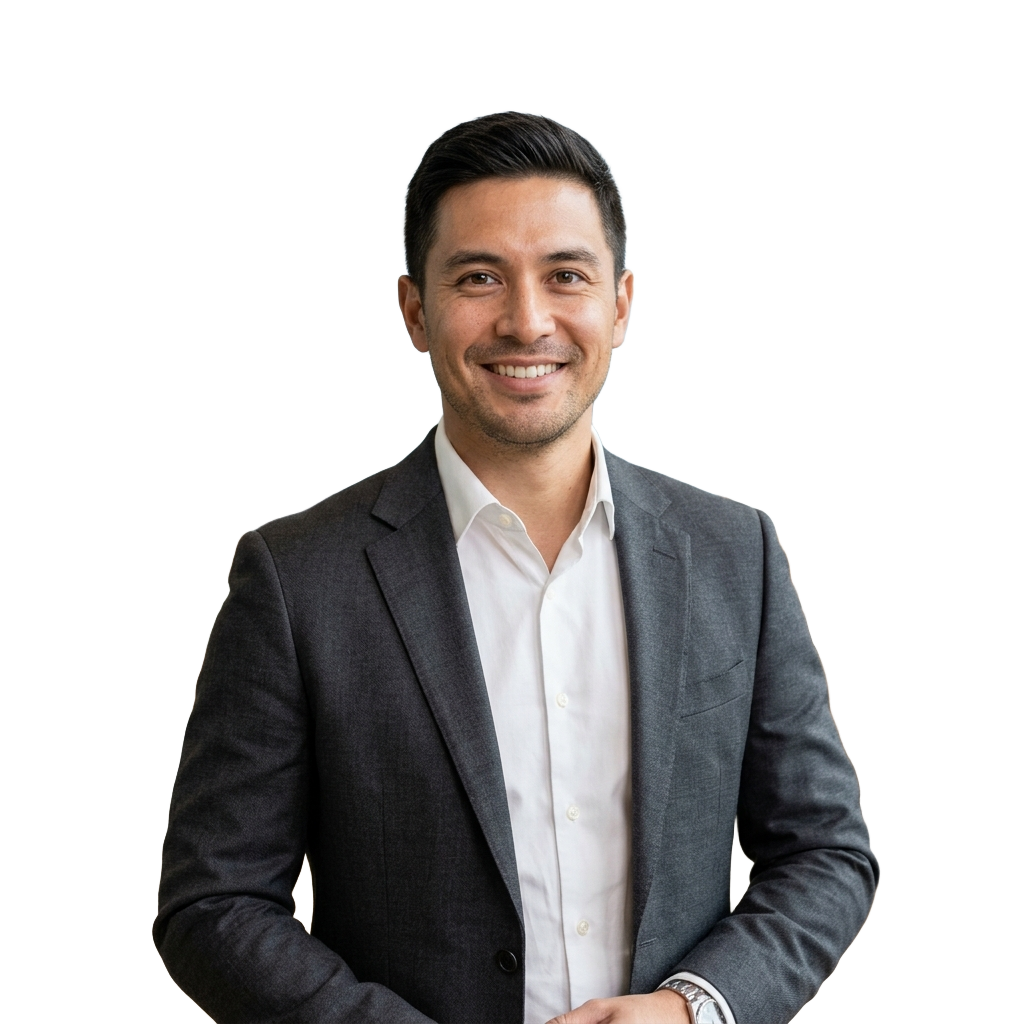
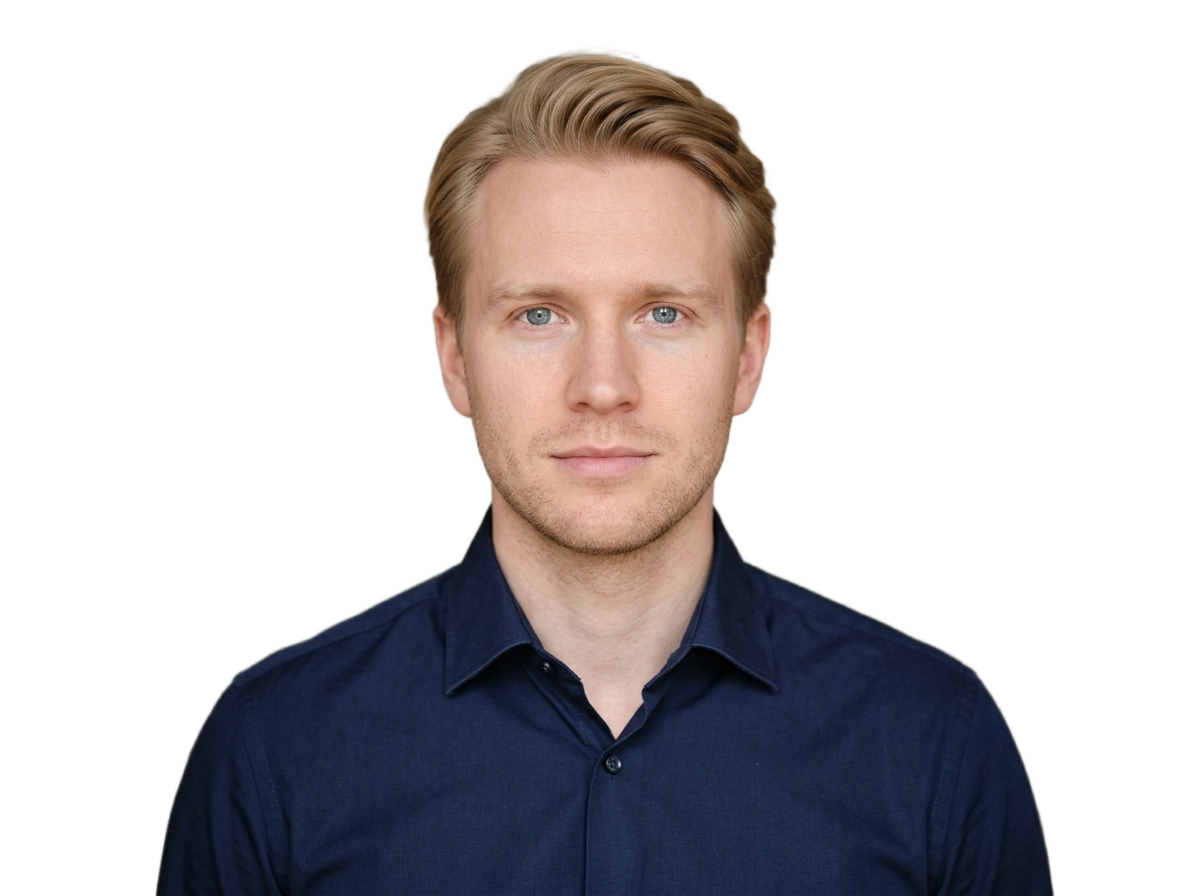
Remove backgrounds from portraits, selfies, and group photos with pixel-accurate hair and clothing edges. Export as a transparent PNG, swap in a studio color, or add realistic bokeh blur.
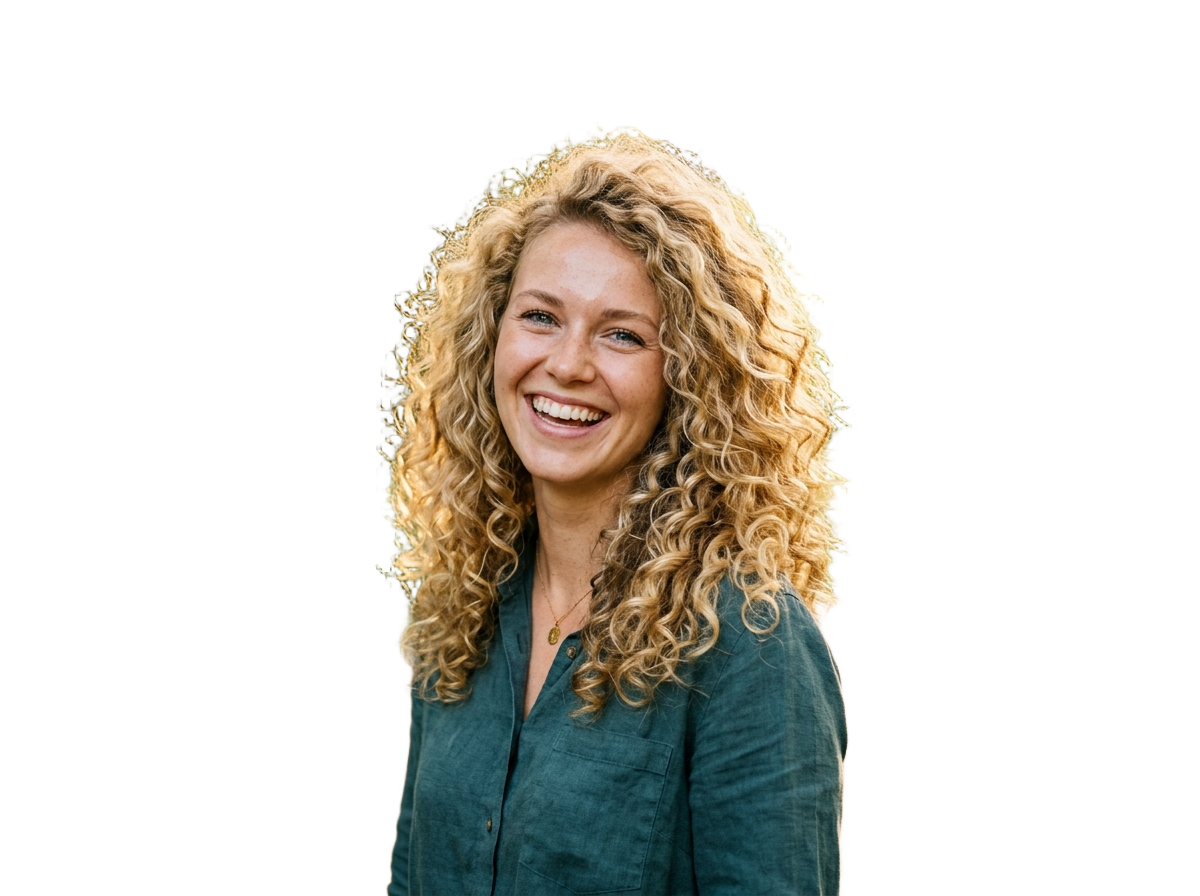
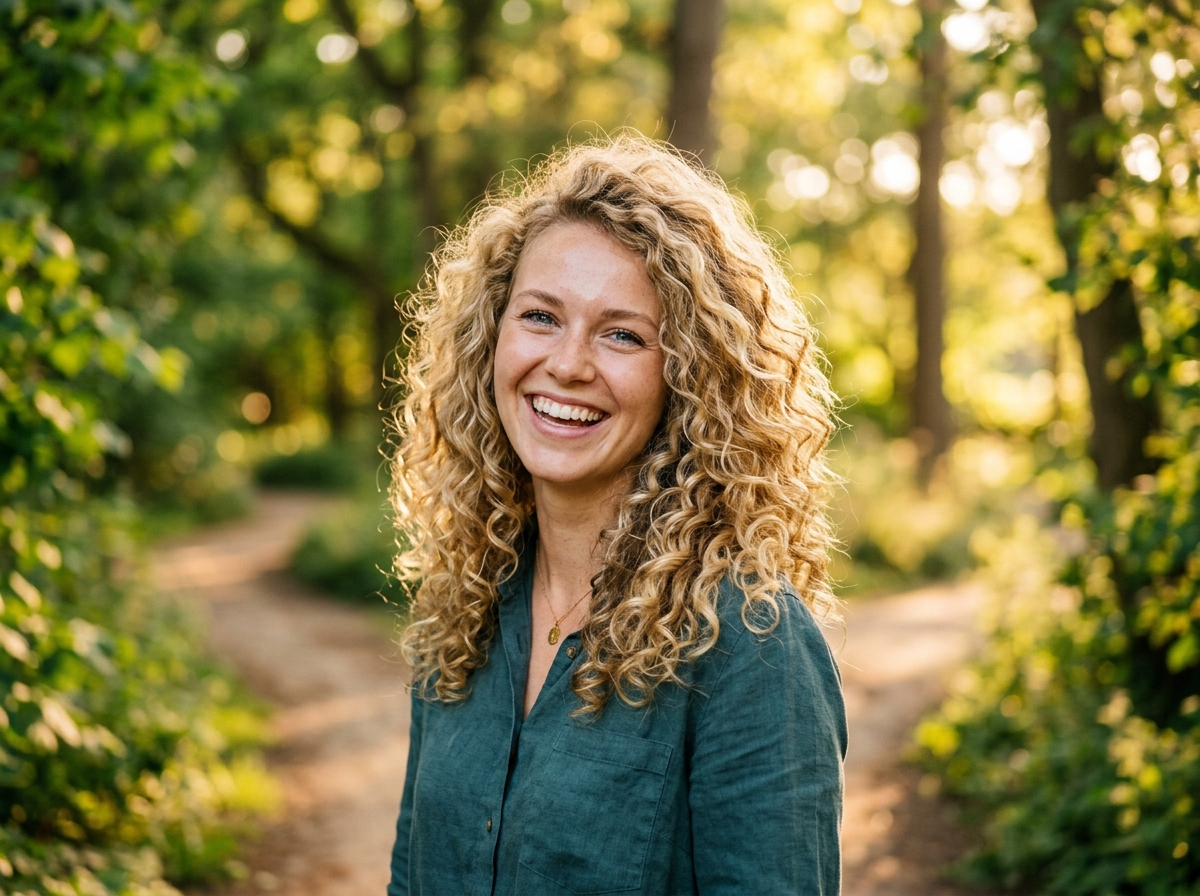
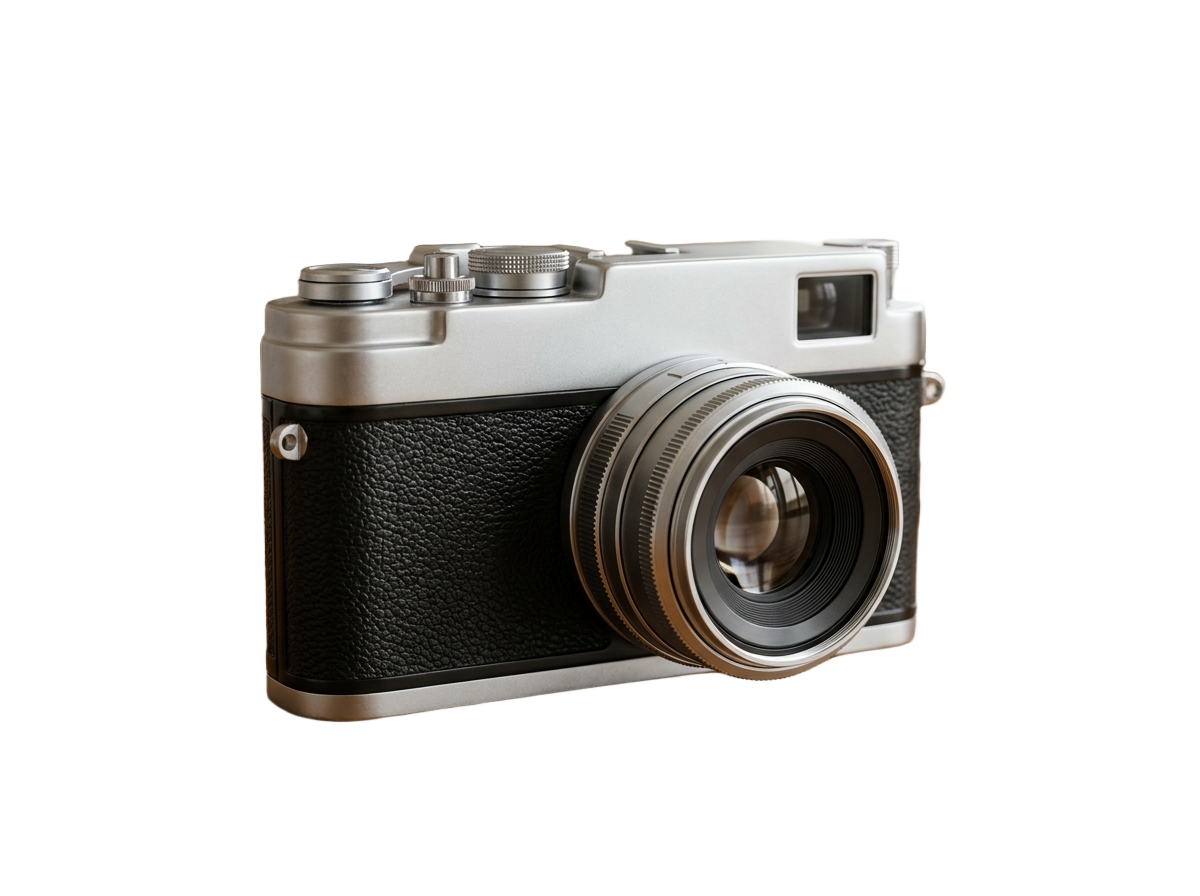
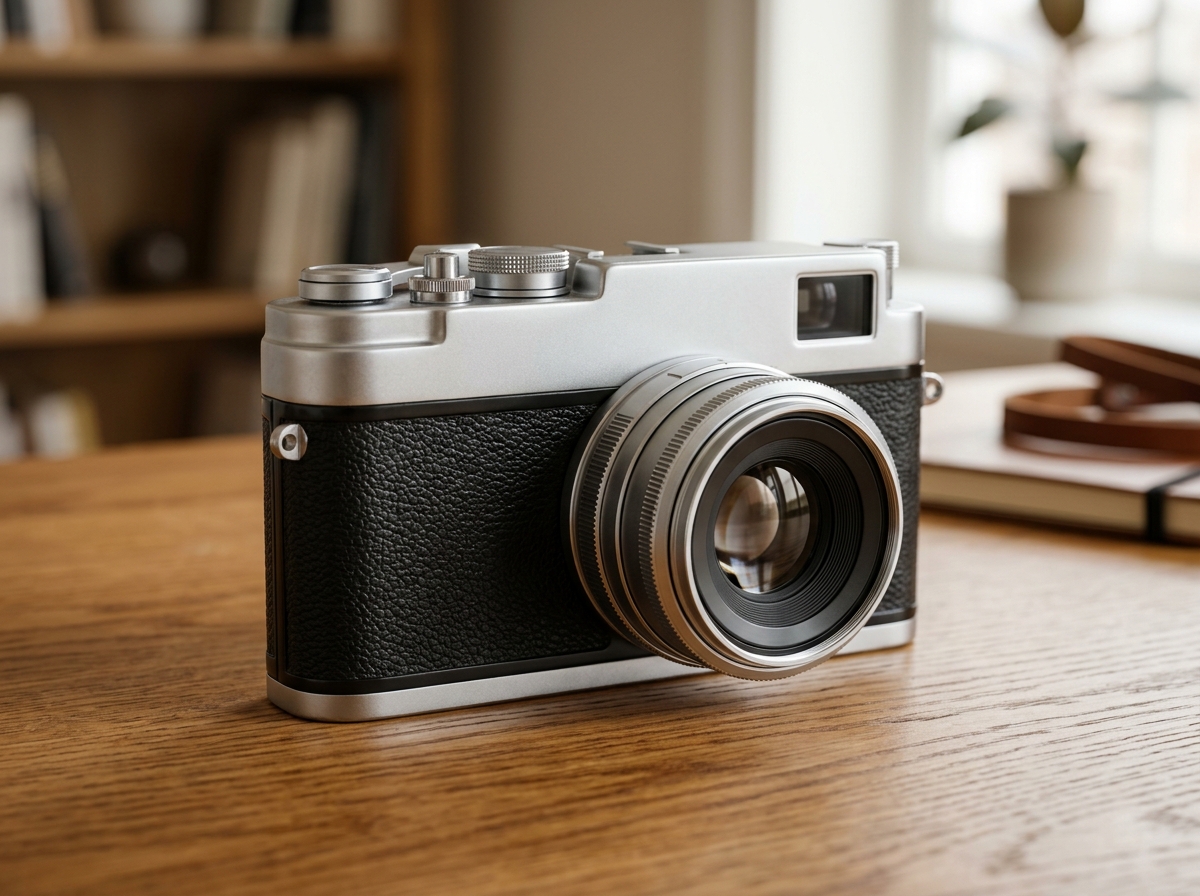
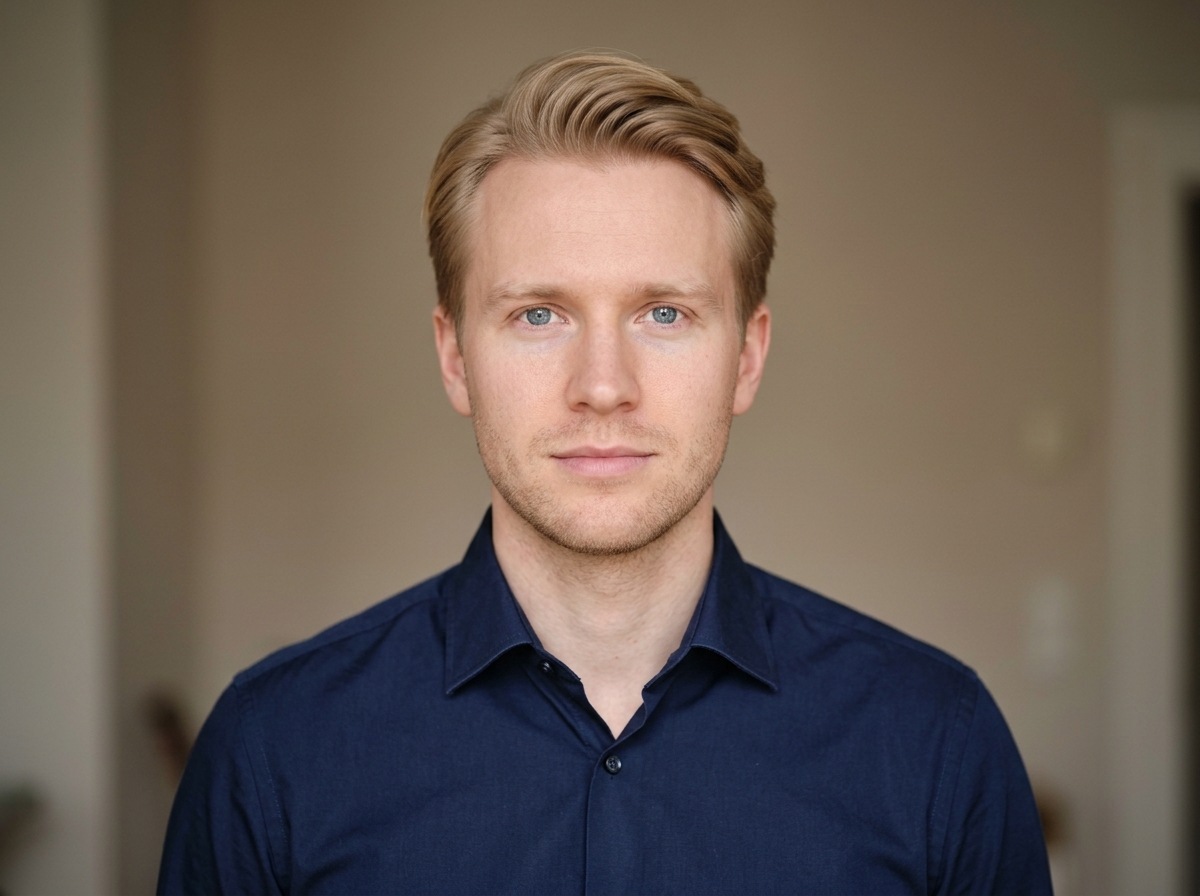
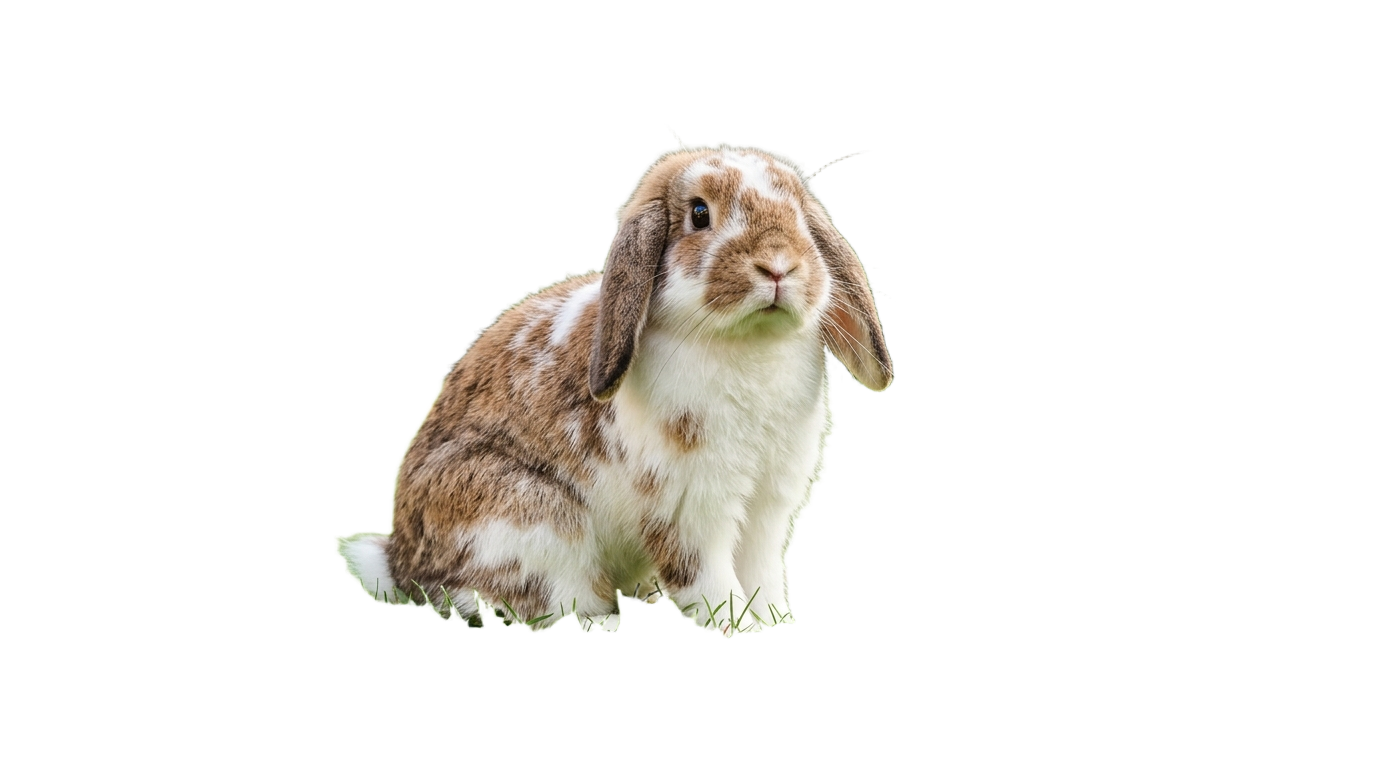
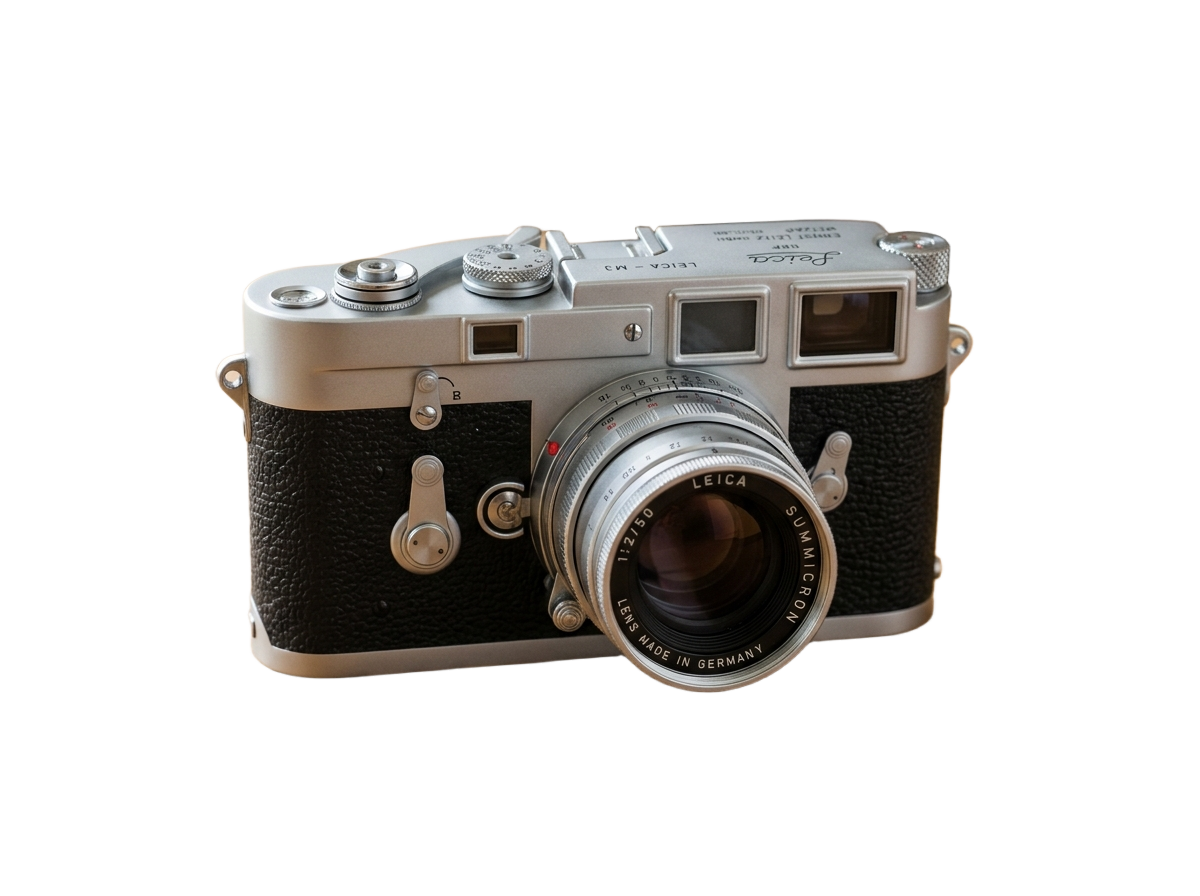
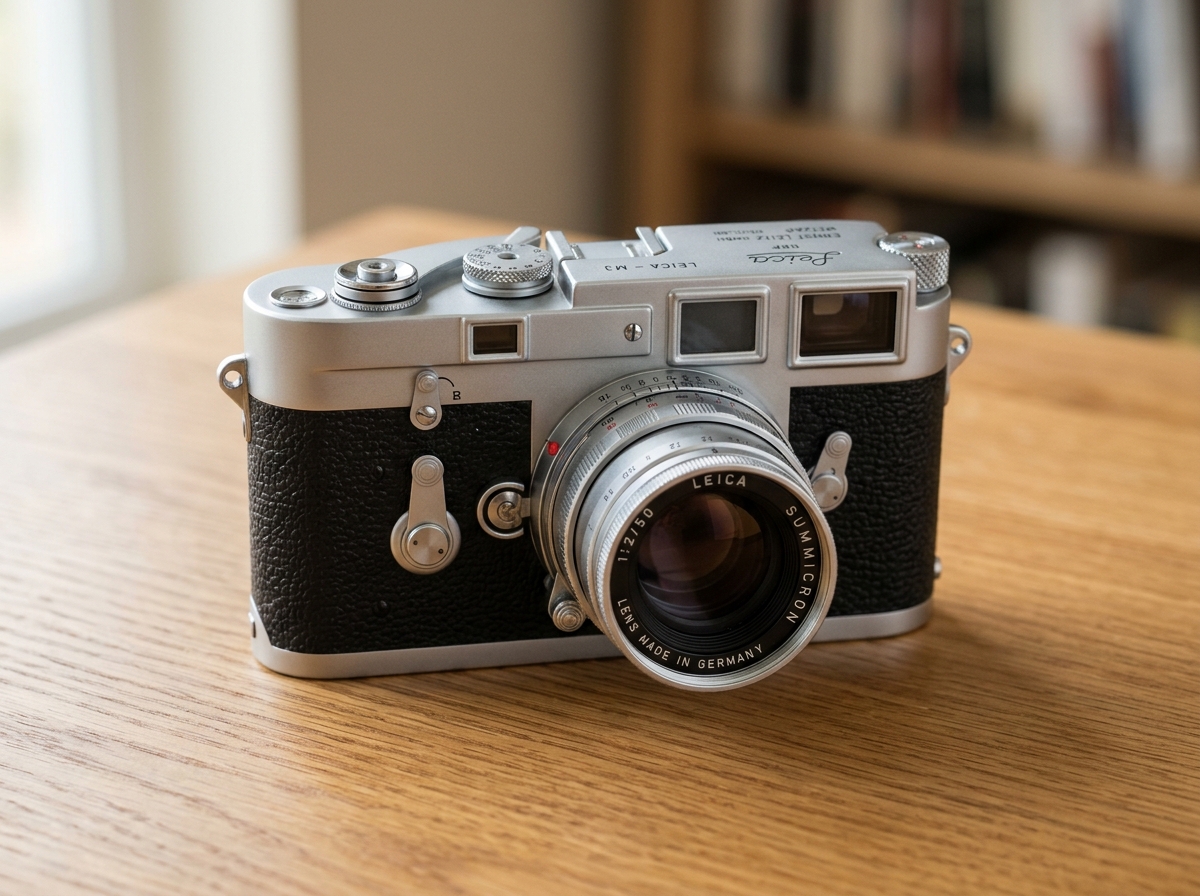
Before / After
or drop a file, paste an image or browse
Supports PNG, JPG, and WEBP up to 25MB
By uploading an image you agree to our Terms of Service & Privacy Policy.
Pre-Configured Output Specs
Portrait & Hair Matting Specifications
Natural Hair & Fur Edge Detection
Soft alpha matting preserves flyaway hair, curls, and semi-transparent edges instead of chopping them off.
Built-In Portrait Bokeh Blur
Want to keep your real background but make the subject pop? Switch to Blur mode for an instant DSLR depth-of-field effect.
Full Resolution, Zero Watermarks
Download crisp, high-resolution portrait PNGs ready for resumes, social profiles, posters, and design layouts.
How to Remove a Portrait Background
Three simple steps. No design skills needed.
Upload or paste your portrait
Drag and drop any portrait photo, selfie, or headshot, or paste directly with Ctrl+V.
AI isolates the person & hair
Our model separates the subject from busy indoor or outdoor backgrounds in under 5 seconds.
Export transparent, colored, or blurred
Download a 32-bit transparent PNG or apply a custom backdrop color or portrait blur.
Frequently Asked Questions
Sample Code
Purpose-Built Background Tools
Pre-configured studio presets for e-commerce marketplaces, tricky subjects, and direct format conversions.
E-Commerce & Social Platform Presets
Pre-configured background tools tailored to marketplace & creator compliance specs.
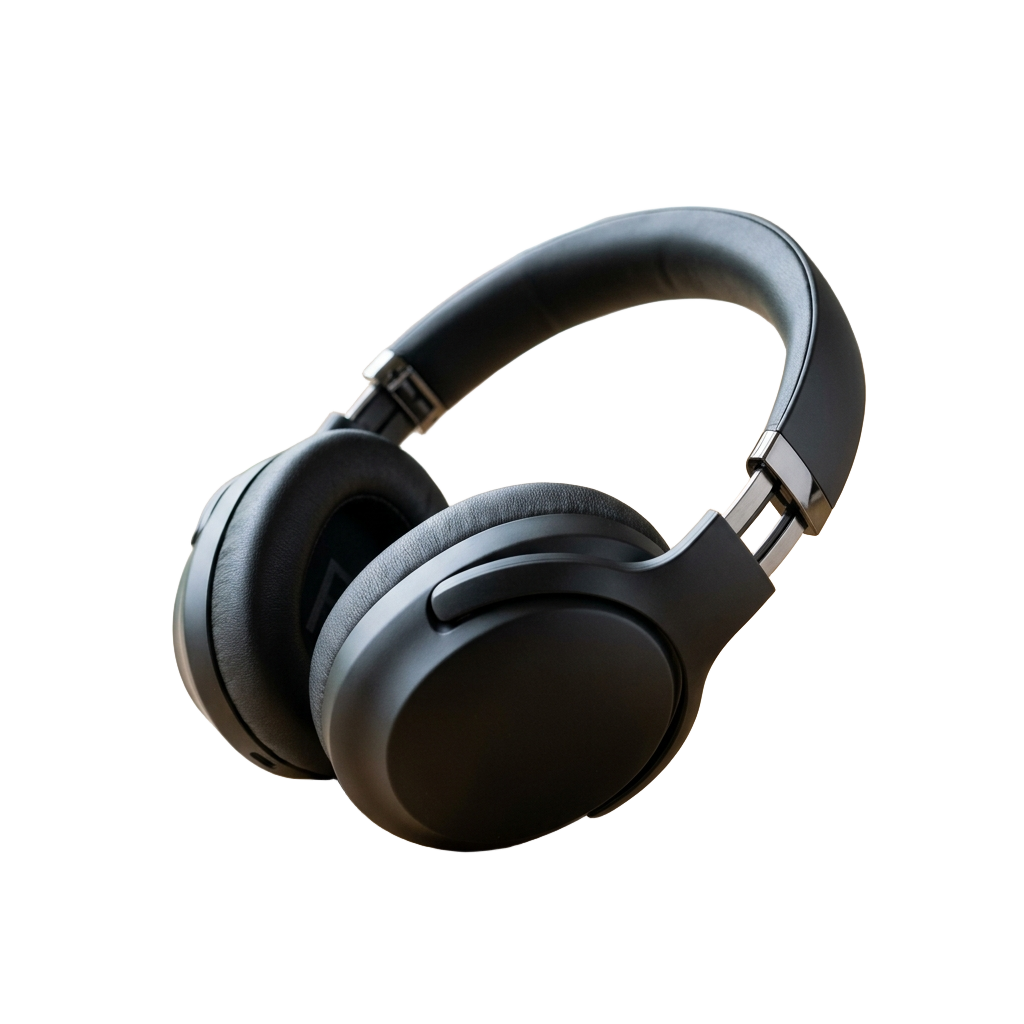
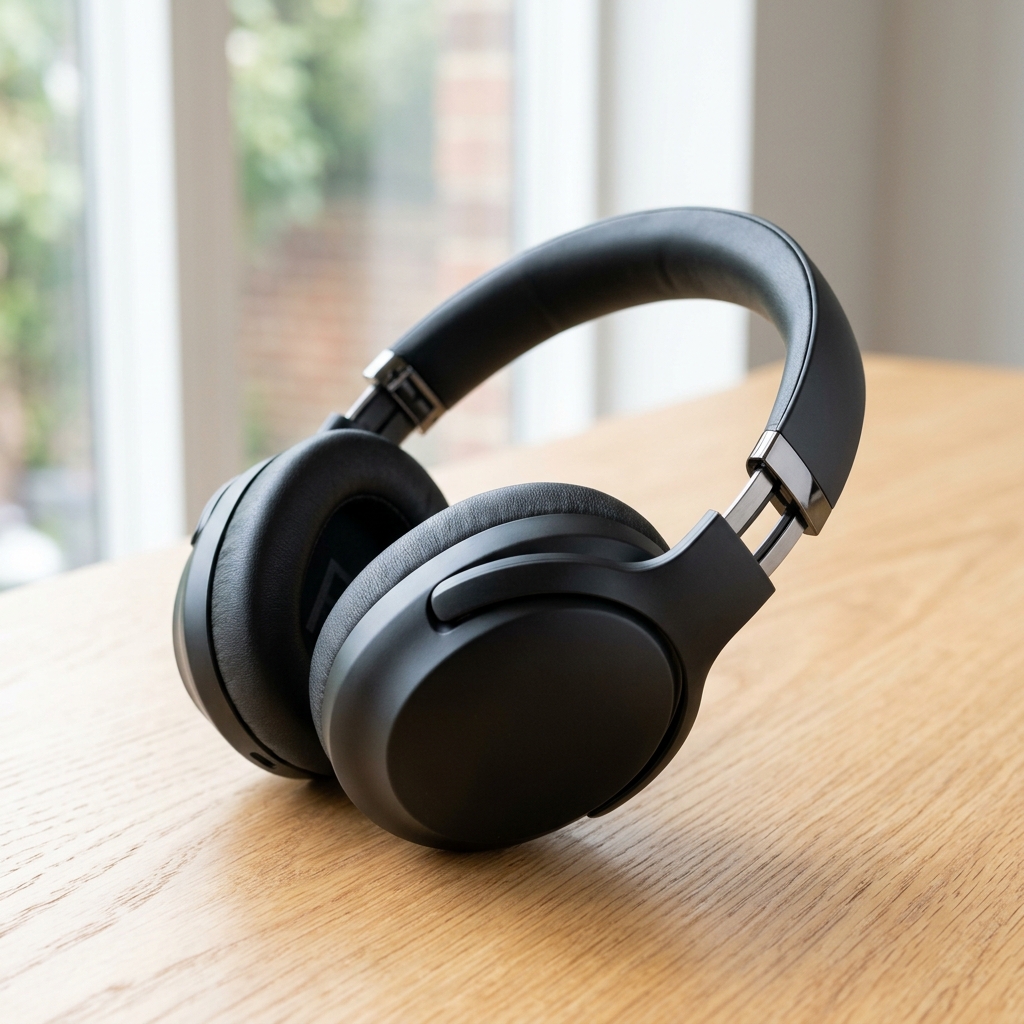



Subject-Specific AI Cutout Tools
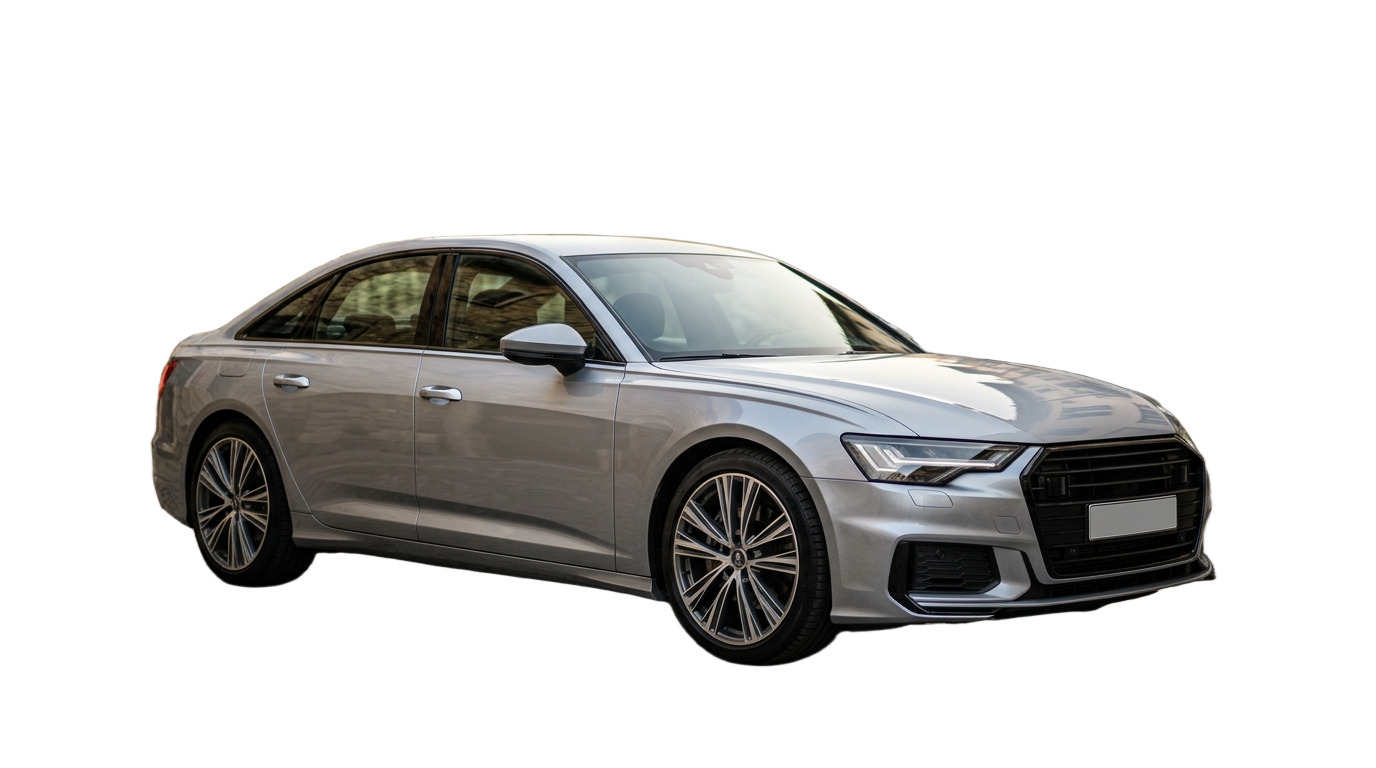
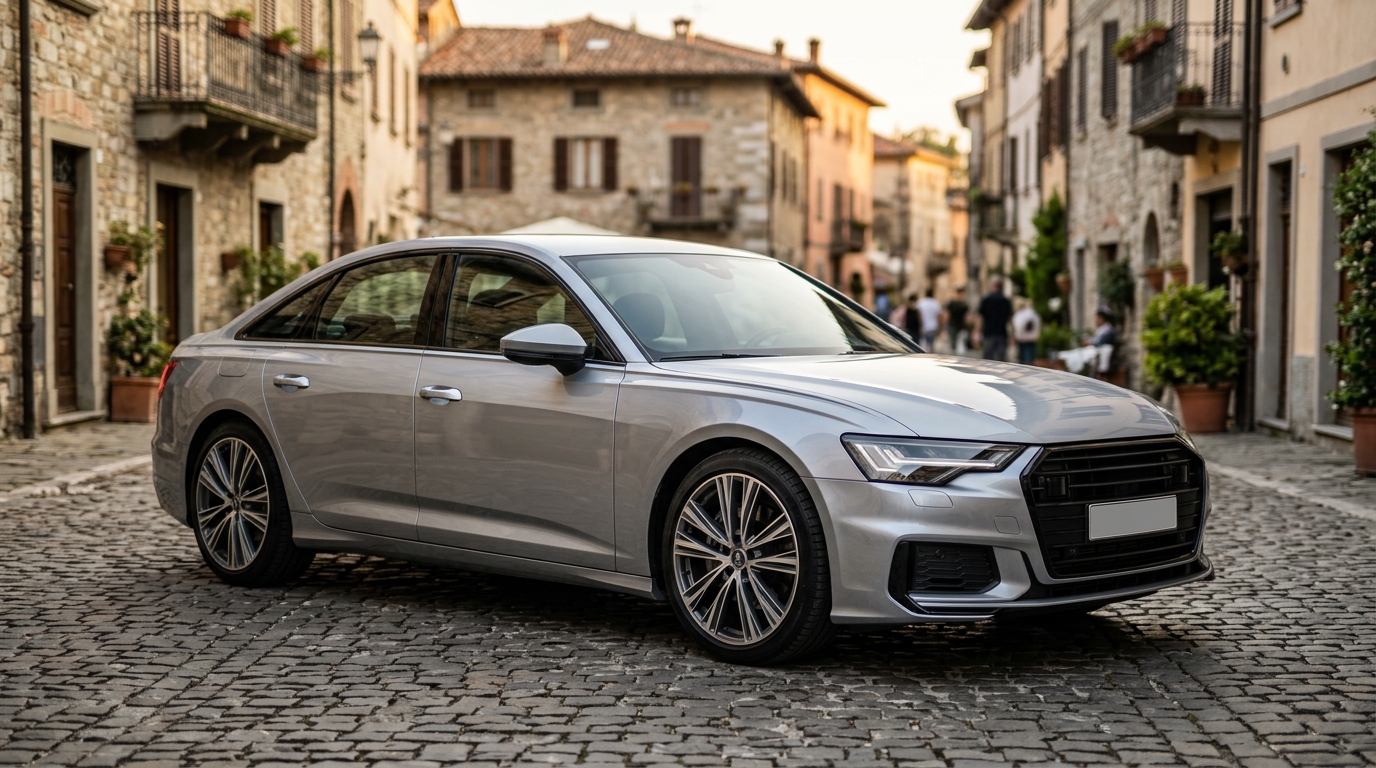
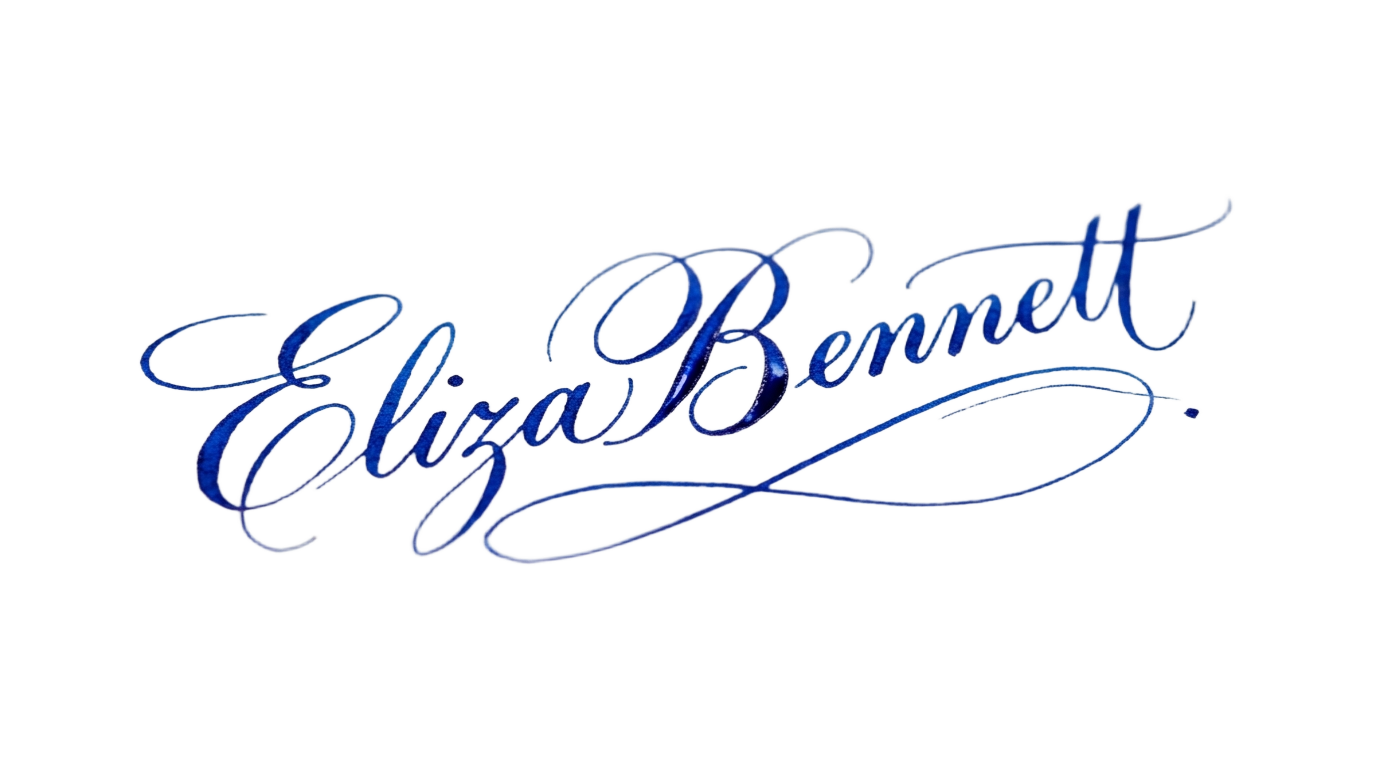
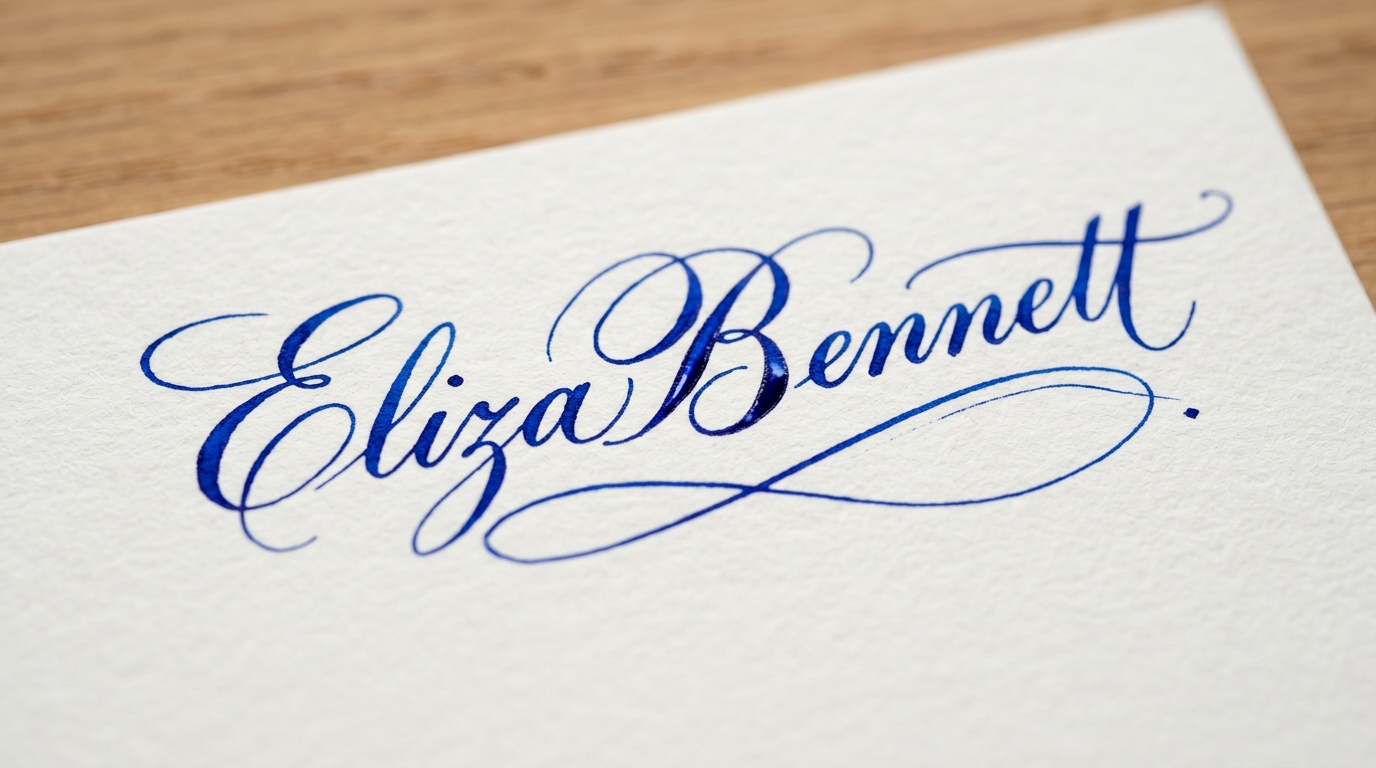
Specialized edge-handling for vehicles, handwritten ink signatures, and vector-sharp logos.

Format Conversion & Transparency Matrix
Convert Apple HEIC and WebP assets directly into lossless 32-bit transparent PNGs.
Portrait Background Remover
Preset: Hair-Strand Alpha Matting