YouTube Thumbnail Cutout Tool
Instant subject cutouts for high-CTR YouTube thumbnails
Cut out yourself, gaming headsets, microphones, or reaction poses in seconds. Export a clean 32-bit transparent PNG ready to add white strokes, drop shadows, and glowing backgrounds in Photoshop, Canva, or Figma.
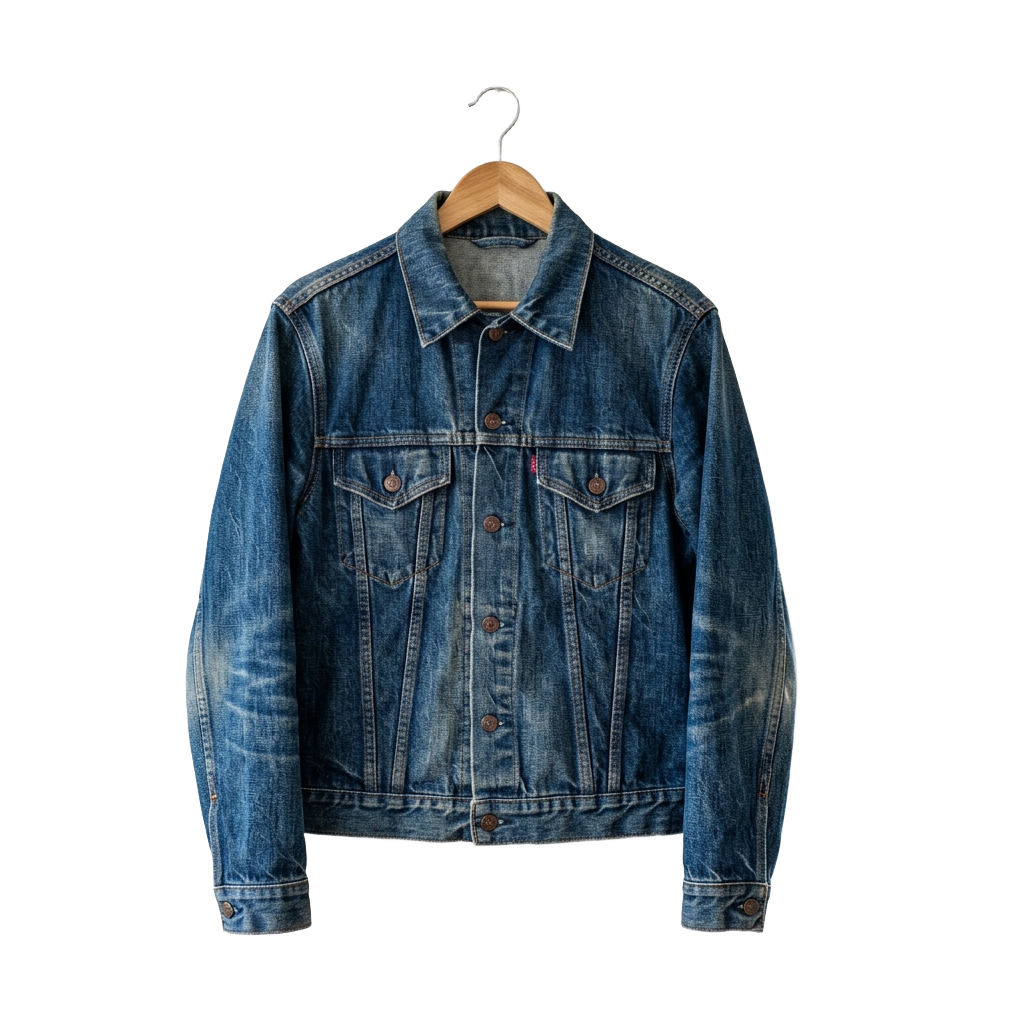
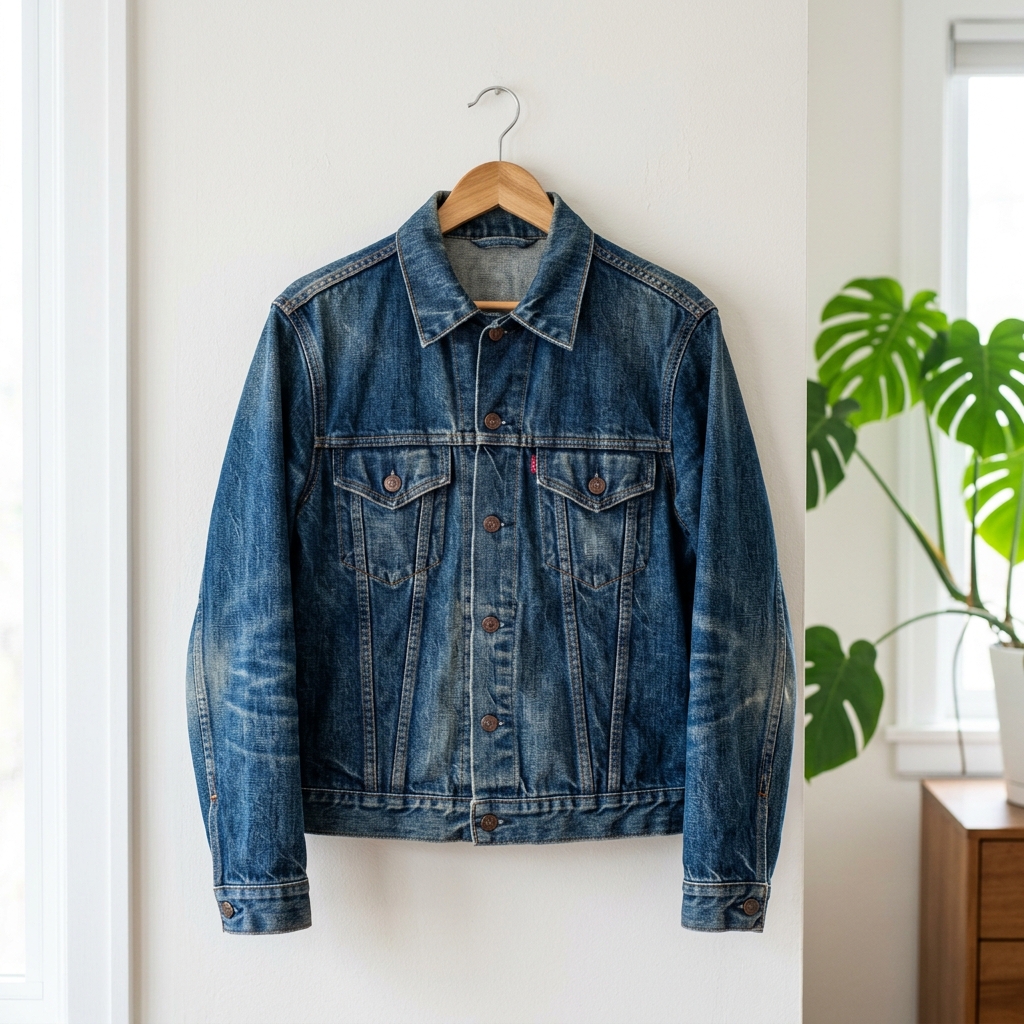
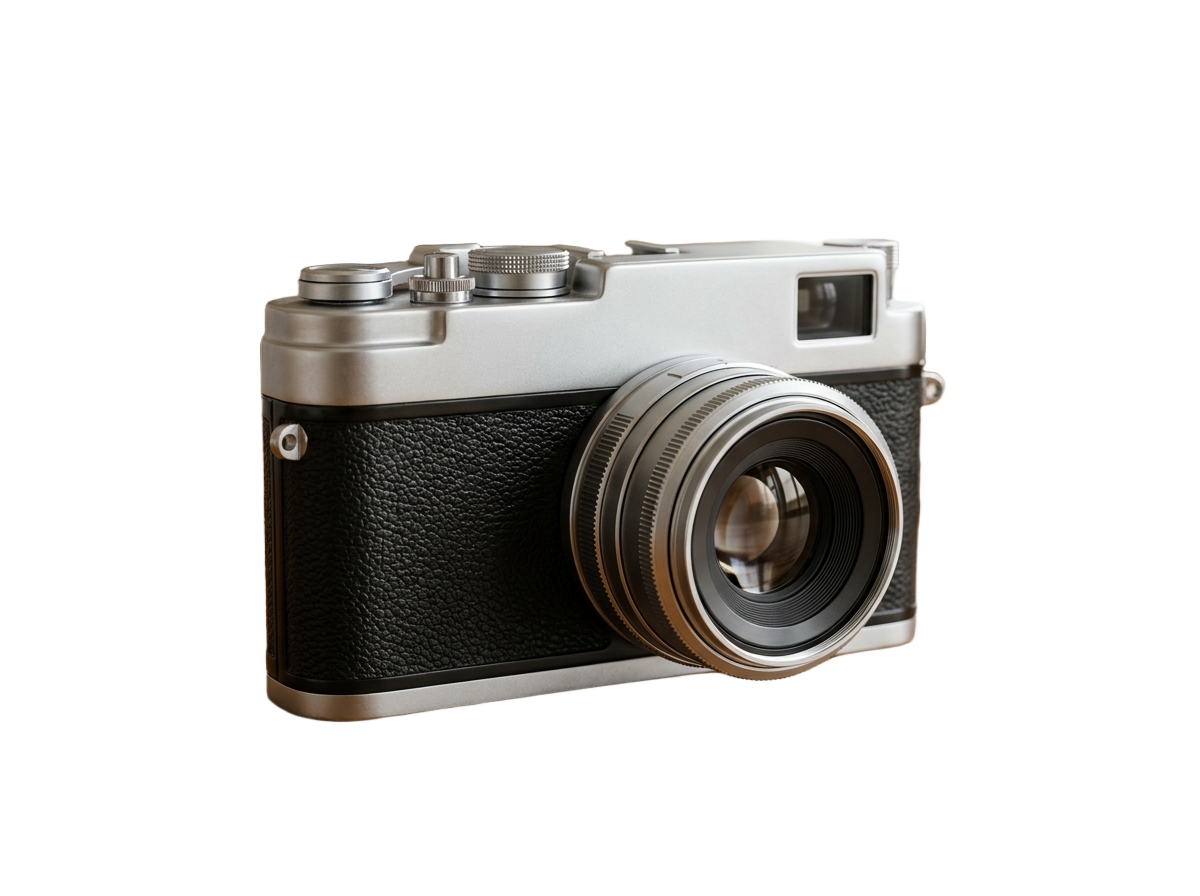
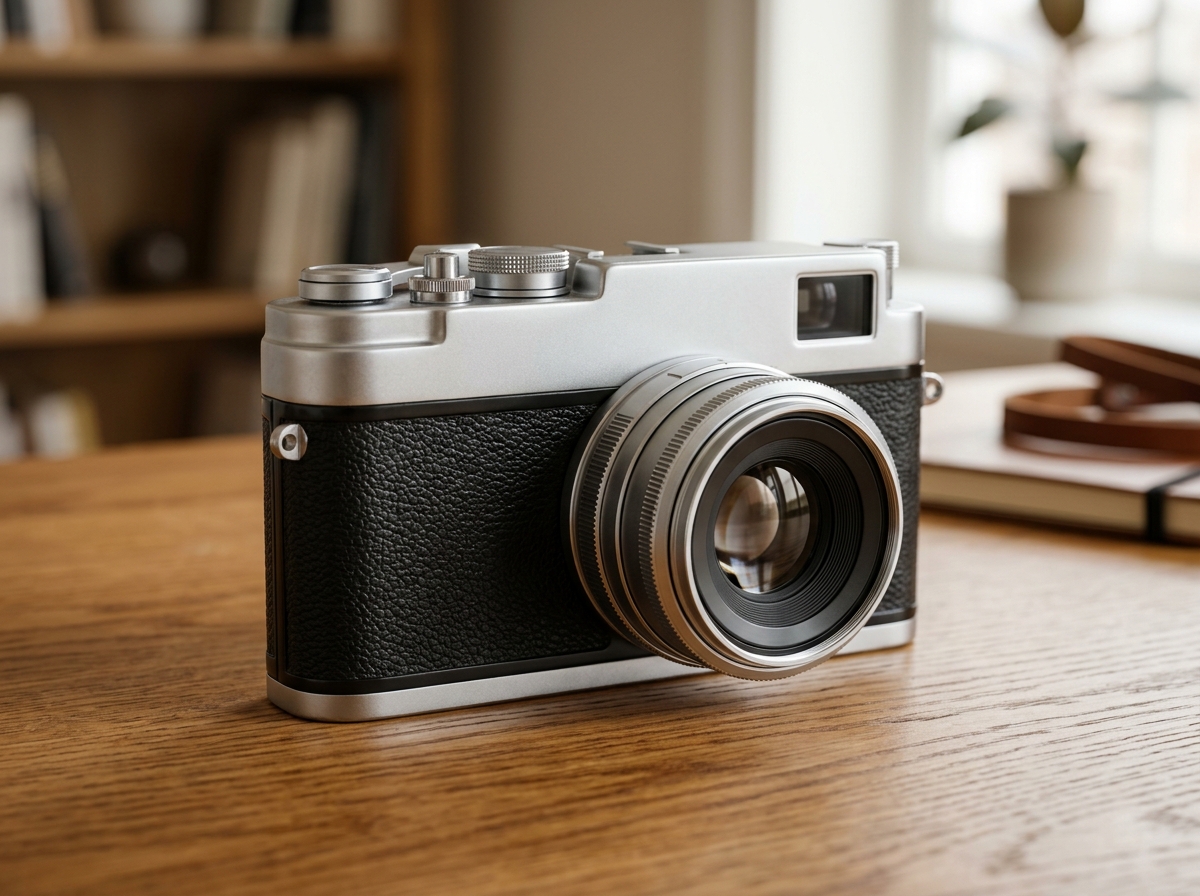
Before / After
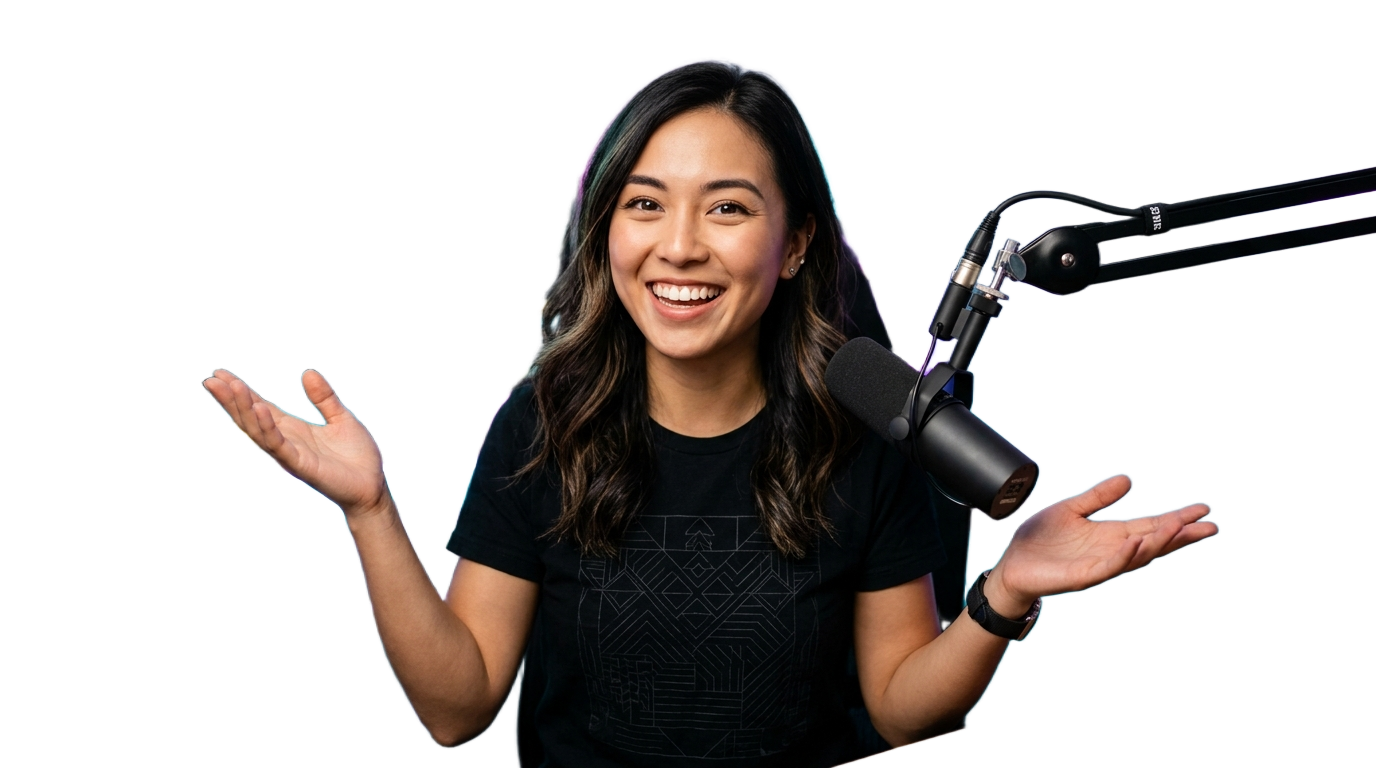
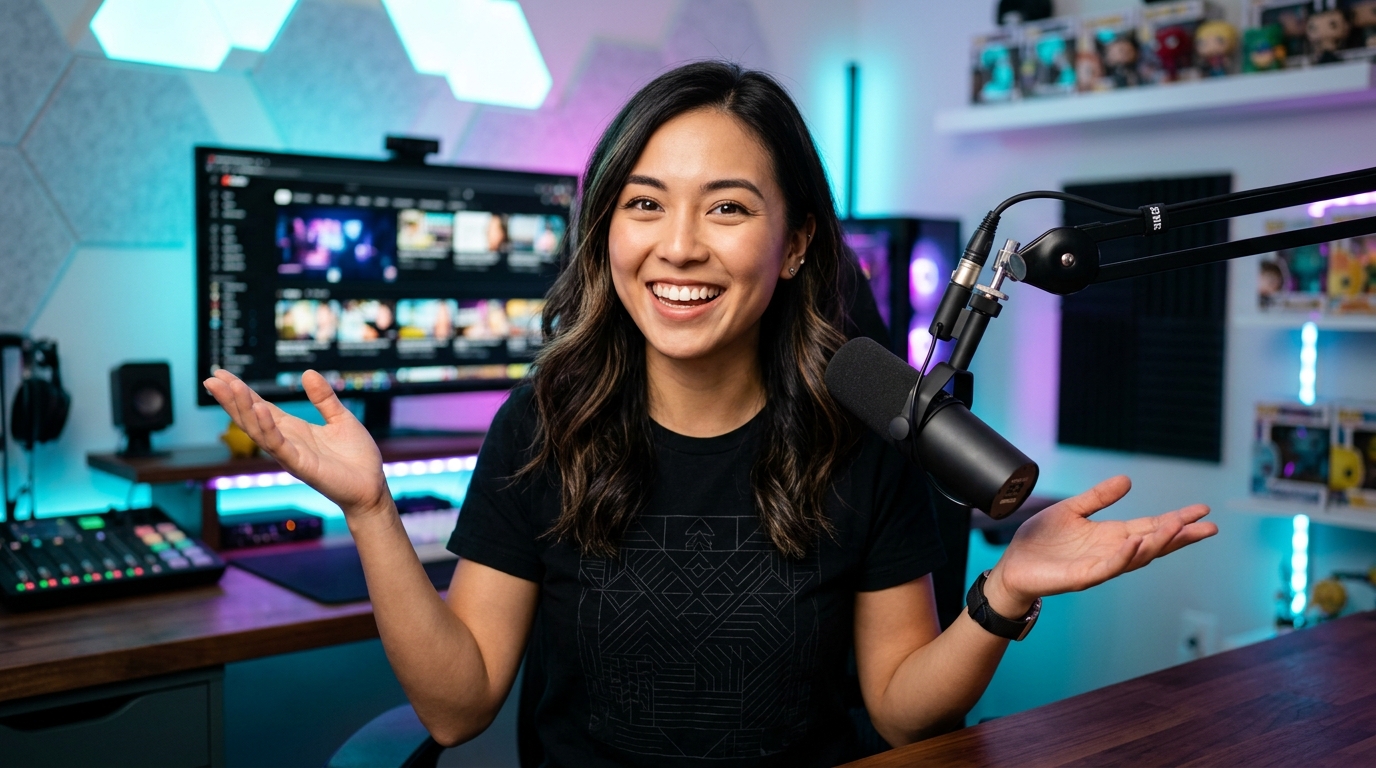
or drop a file, paste an image or browse
Supports PNG, JPG, and WEBP up to 25MB
By uploading an image you agree to our Terms of Service & Privacy Policy.
Pre-Configured Output Specs
YouTube Thumbnail Cutout Specs
Stroke-Ready Clean Alpha Edges
Leftover stray pixels ruin outer glow and white stroke effects in Photoshop. DropBG produces clean alpha boundaries with automatic color defringing.
Paste Video Frames Directly with Ctrl+V
Take a freeze-frame screenshot from Premiere Pro, DaVinci Resolve, or Final Cut and press Ctrl+V (or Cmd+V) directly on this page.
Handles Curly Hair, Headsets & Hand Gestures
Cleanly separates microphone boom arms, headphones, glasses, and expressive hand gestures from studio or room lighting.
How to Make a YouTube Thumbnail Cutout
Three simple steps. No design skills needed.
Paste (Ctrl+V) or drop your reaction shot
Drop your camera photo or paste a video frame directly into the tool above.
Preview edge quality
Inspect hair and shoulder contours or test against vibrant thumbnail backdrop colors.
Download transparent PNG
Import the transparent PNG into Canva, Photoshop, Figma, or Photopea to finish your thumbnail.
Frequently Asked Questions
Sample Code
Purpose-Built Background Tools
Pre-configured studio presets for e-commerce marketplaces, tricky subjects, and direct format conversions.
E-Commerce & Social Platform Presets
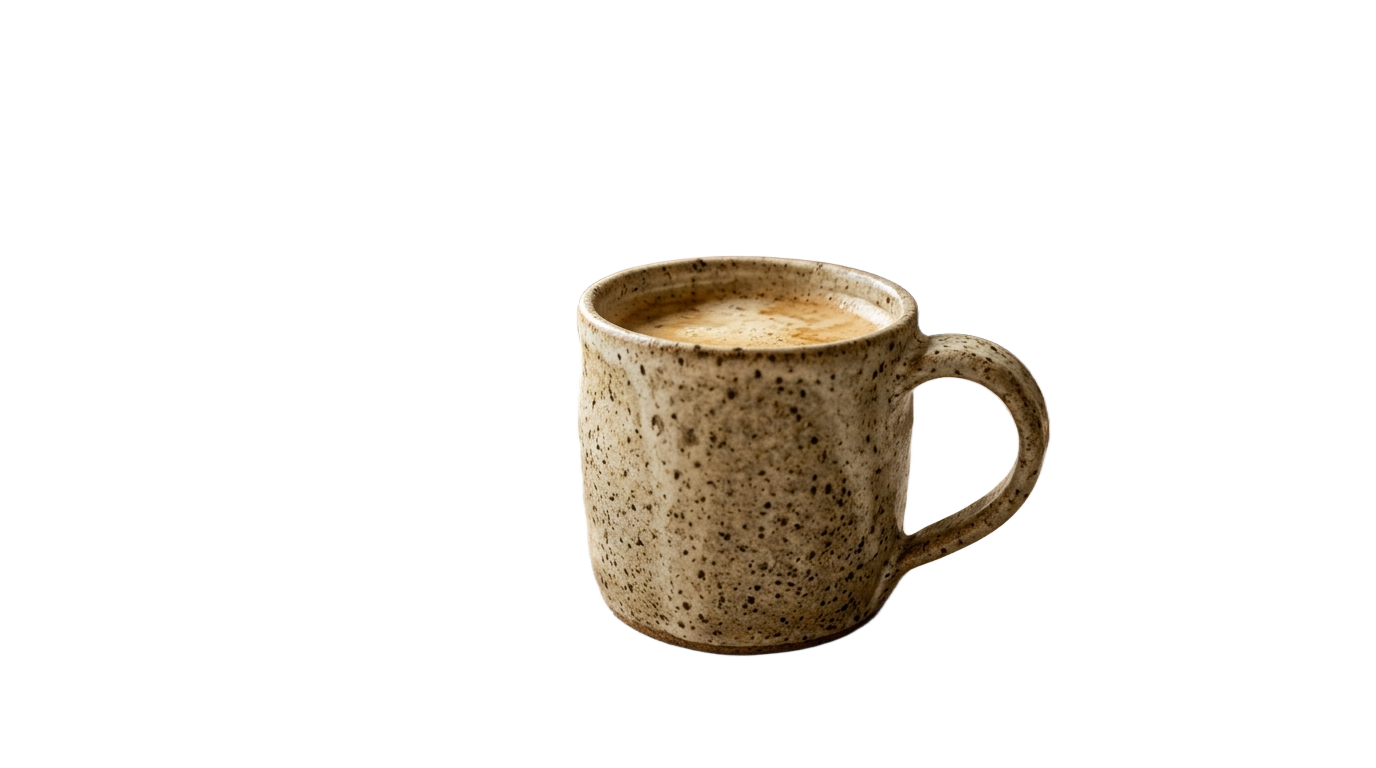
Pre-configured background tools tailored to marketplace & creator compliance specs.
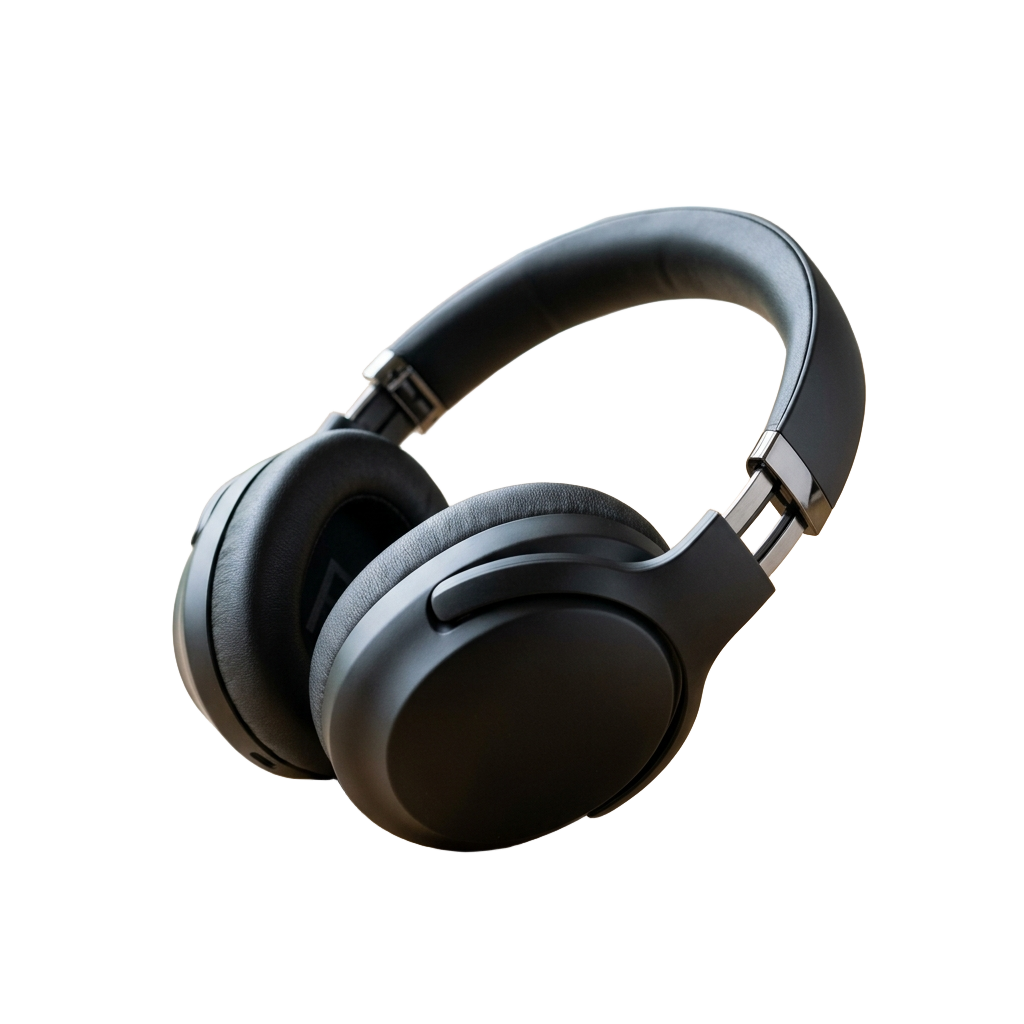
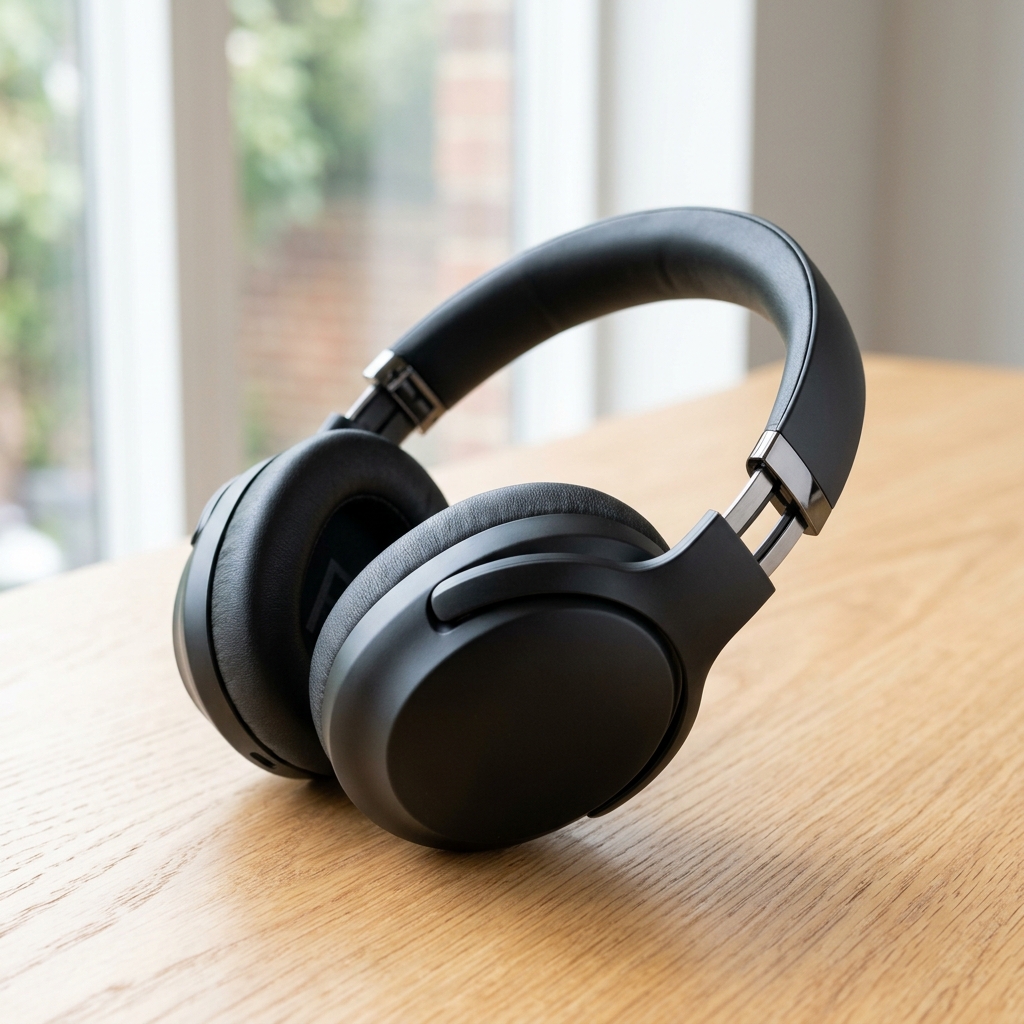



Subject-Specific AI Cutout Tools
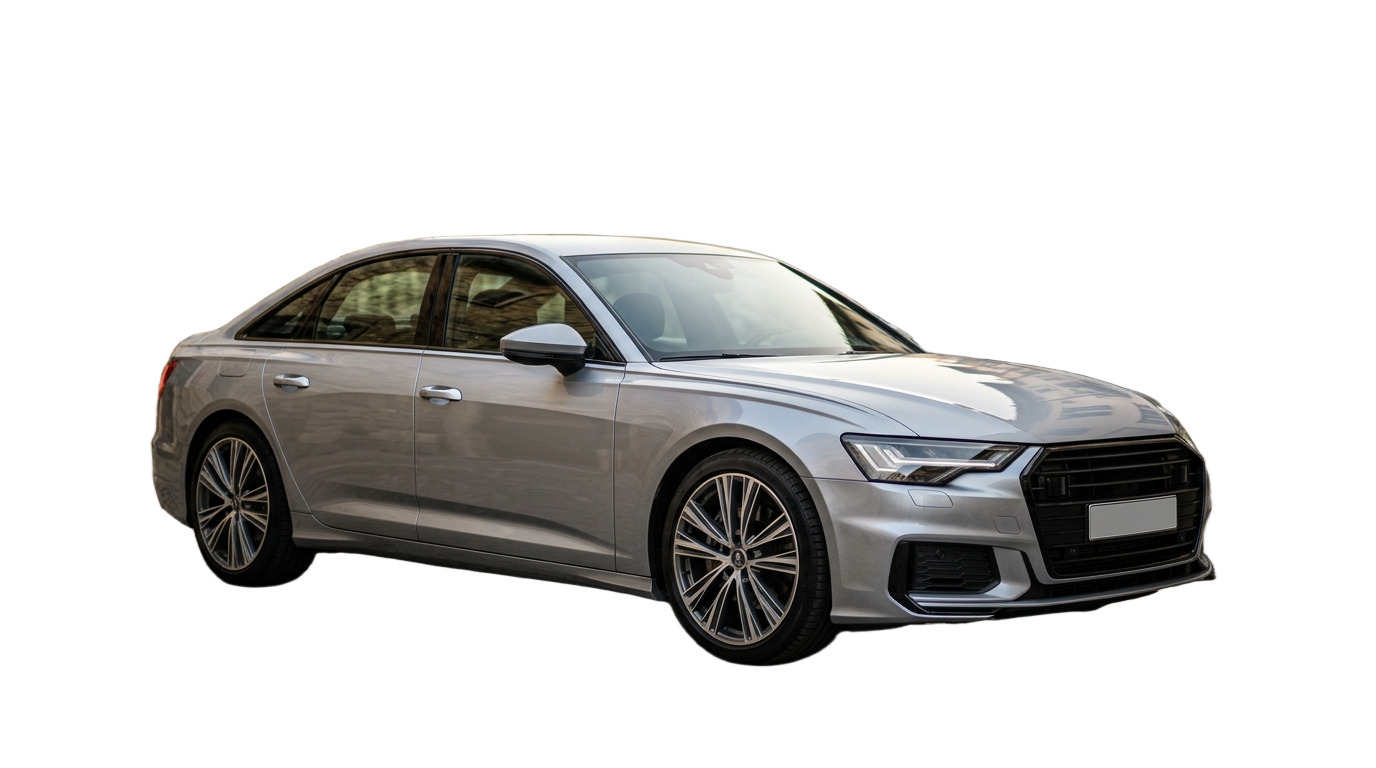
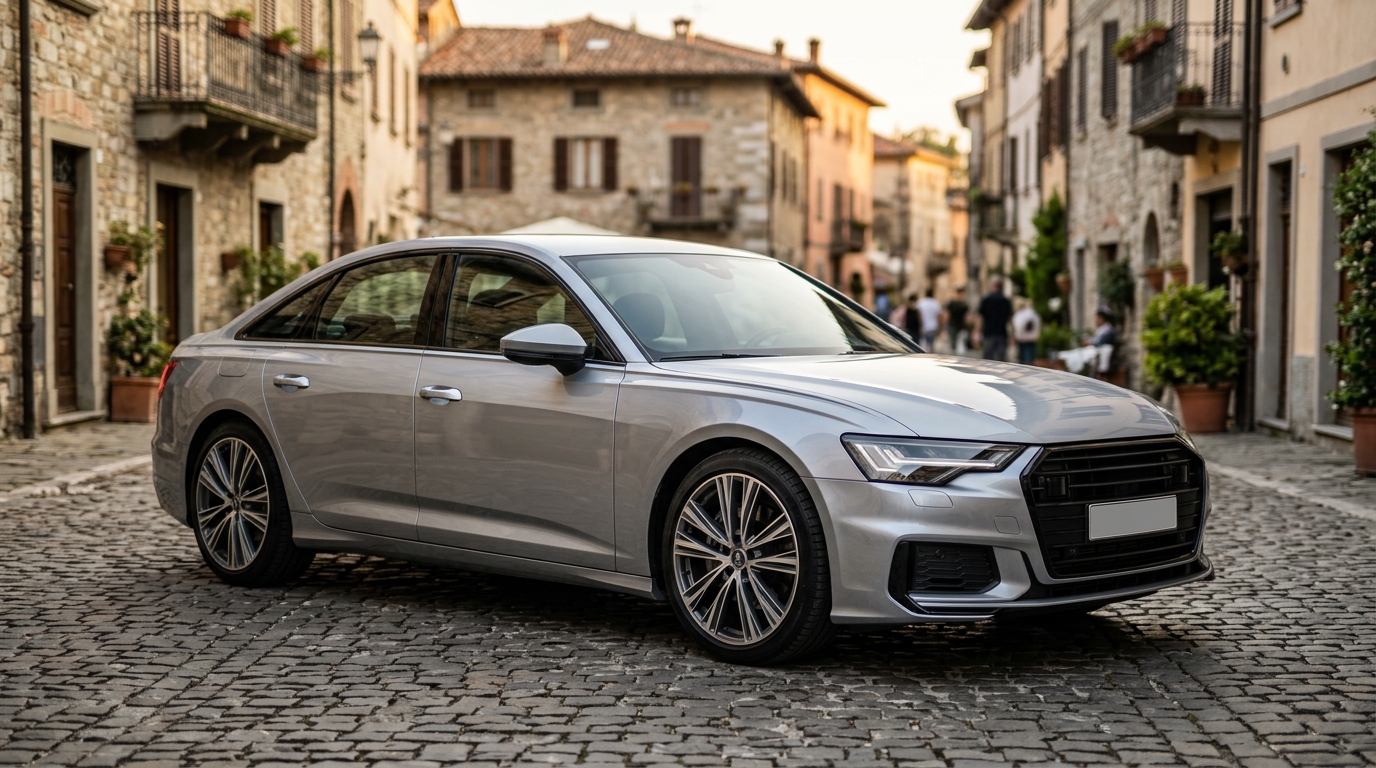
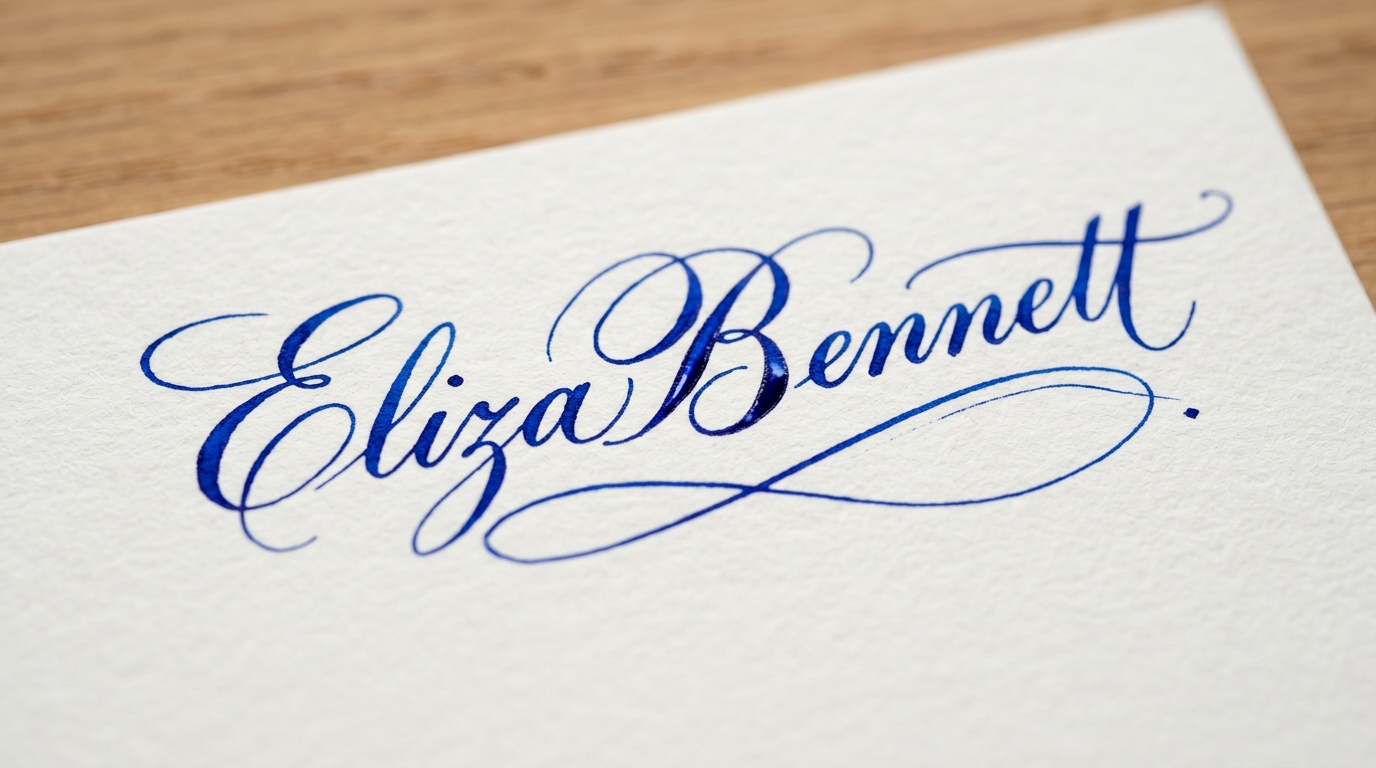
Specialized edge-handling for vehicles, handwritten ink signatures, and vector-sharp logos.











Format Conversion & Transparency Matrix
Convert Apple HEIC and WebP assets directly into lossless 32-bit transparent PNGs.

YouTube Thumbnail Cutout Tool
Preset: Transparent PNG + Hair Defringing